Invoices and payment
Your plans, invoices and card in Account › Billing, and switching between monthly and yearly.
1 min read · Paid plan · Checked on 16 Nov 2026
Open Billing
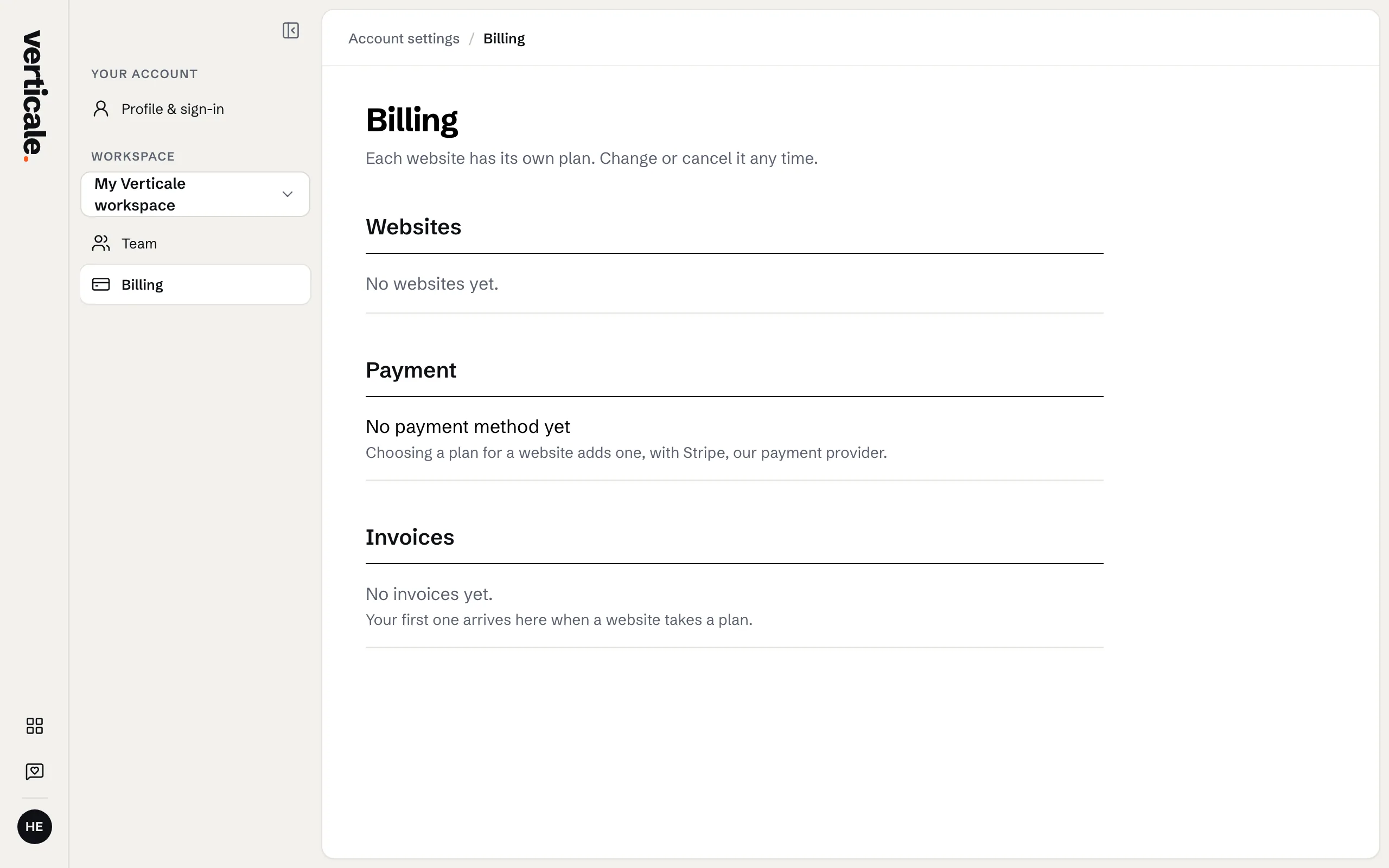
Click your account at the foot of the Studio’s tools, then Account settings, then Billing.
Invoices
Invoices lists each one: View invoice opens it, PDF of invoice downloads it, and an unpaid one offers Pay invoice. Show older invoices goes further back.
Monthly or yearly, card and address
Switch to yearly saves two months; you can switch back to monthly later. Your card and billing address are changed on Stripe’s secure page, opened from Billing.