Workspaces and your team
Keep websites in workspaces, invite people to work on them, and choose what each person can do.
1 min read · Every plan · Checked on 16 Nov 2026
Workspaces
My websites groups your websites by workspace. New workspace makes another one, such as one per client; each group ends with New website, which starts one in that workspace.
Invite people
Open Account settings › Team and click Invite people. Type their Emails and Send invite. They get an email: Sign in to join →, then Join …. They join as Editor.
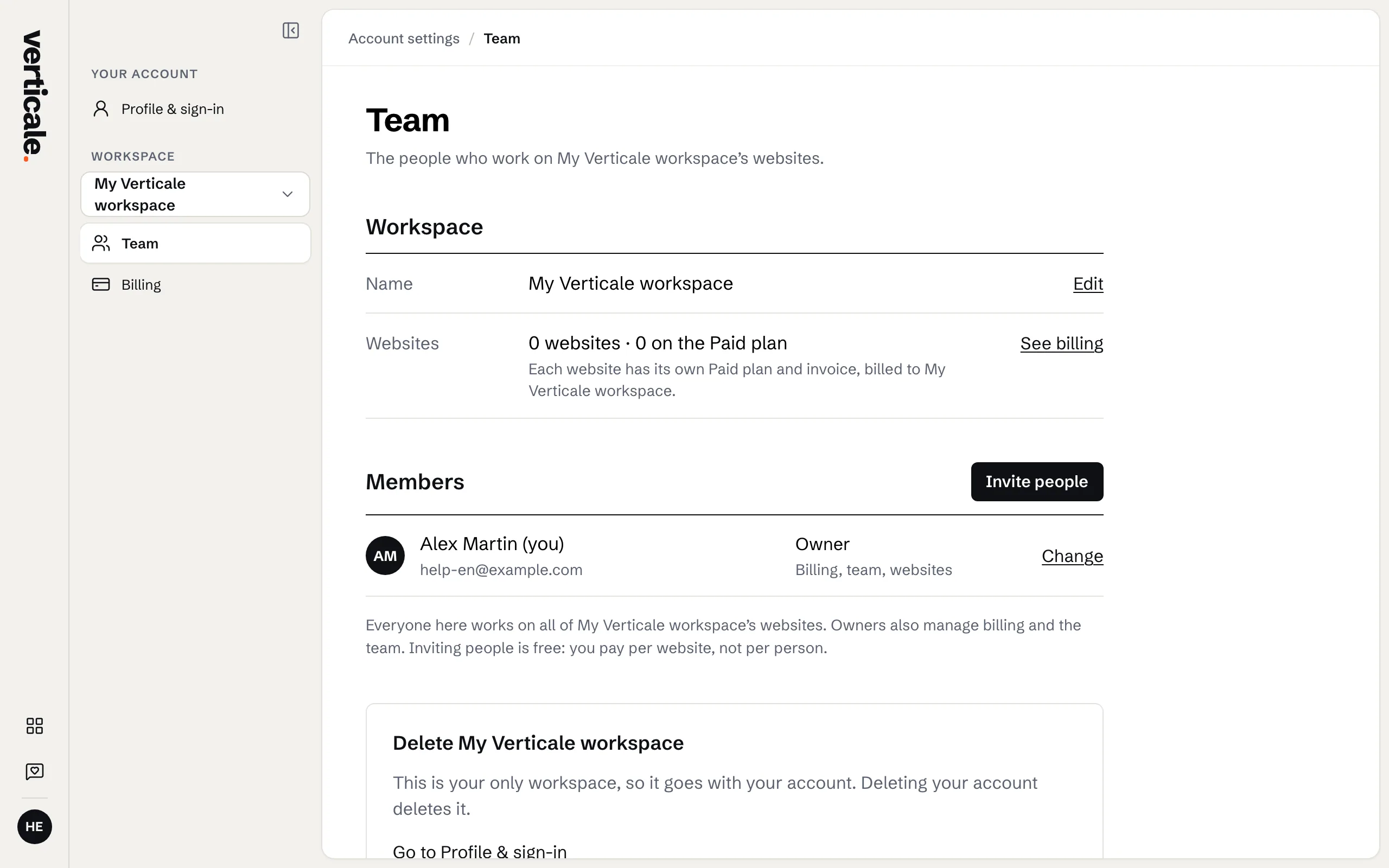
Roles
- Owner: everything, billing included.
- Editor: changes and publishes every website.
- Viewer: looks, changes nothing.
Change someone’s role with Change …. Anyone can leave a workspace with Leave ….
Delete a website or a workspace
On a website’s card in My websites, Delete, then Delete permanently: it goes offline at once. Delete this workspace…, in Team, ends its Paid plans too; type its name to confirm.