Header and footer styles
Choose how your header behaves as visitors scroll, and how your page ends, down to a footer painted from your own photo.
1 min read · Every plan · Checked on 16 Nov 2026
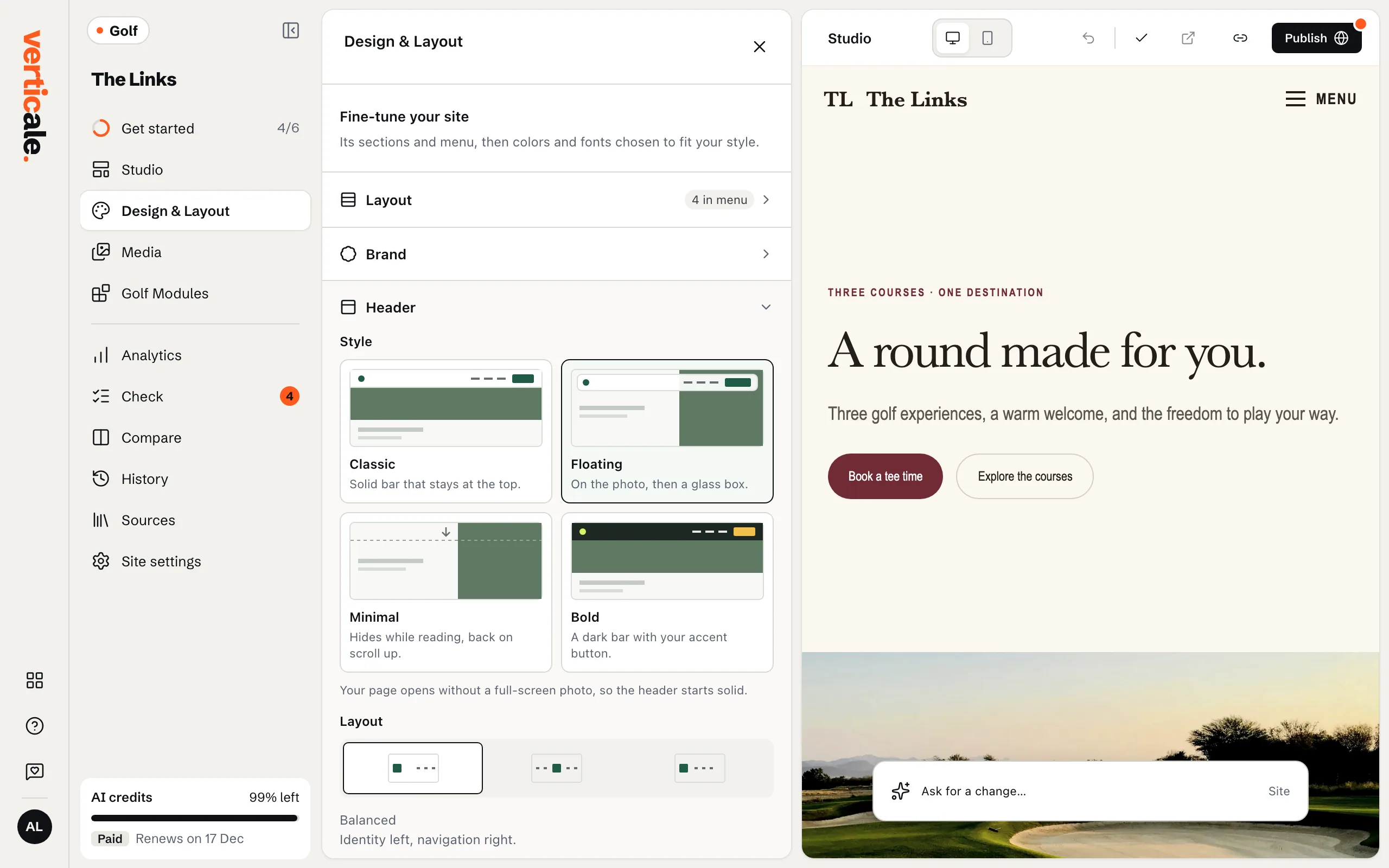
The header
In Design & Layout, open Header.
- Header style: Classic, a solid bar that stays at the top; Floating, on the photo, then a glass box; Minimal, which hides while reading and comes back when you scroll up; Bold, a dark bar with your accent button.
- Header layout: Balanced, Centered brand or Centered navigation.
- Logo size, and Logo on photos.
The footer
Open Footer and choose a Footer style:
- Classic: columns with every detail.
- Sign-off: a big farewell on a colour block.
- Landscape: the page ends on a painted scene. Pick its Scene, such as The 18th green.
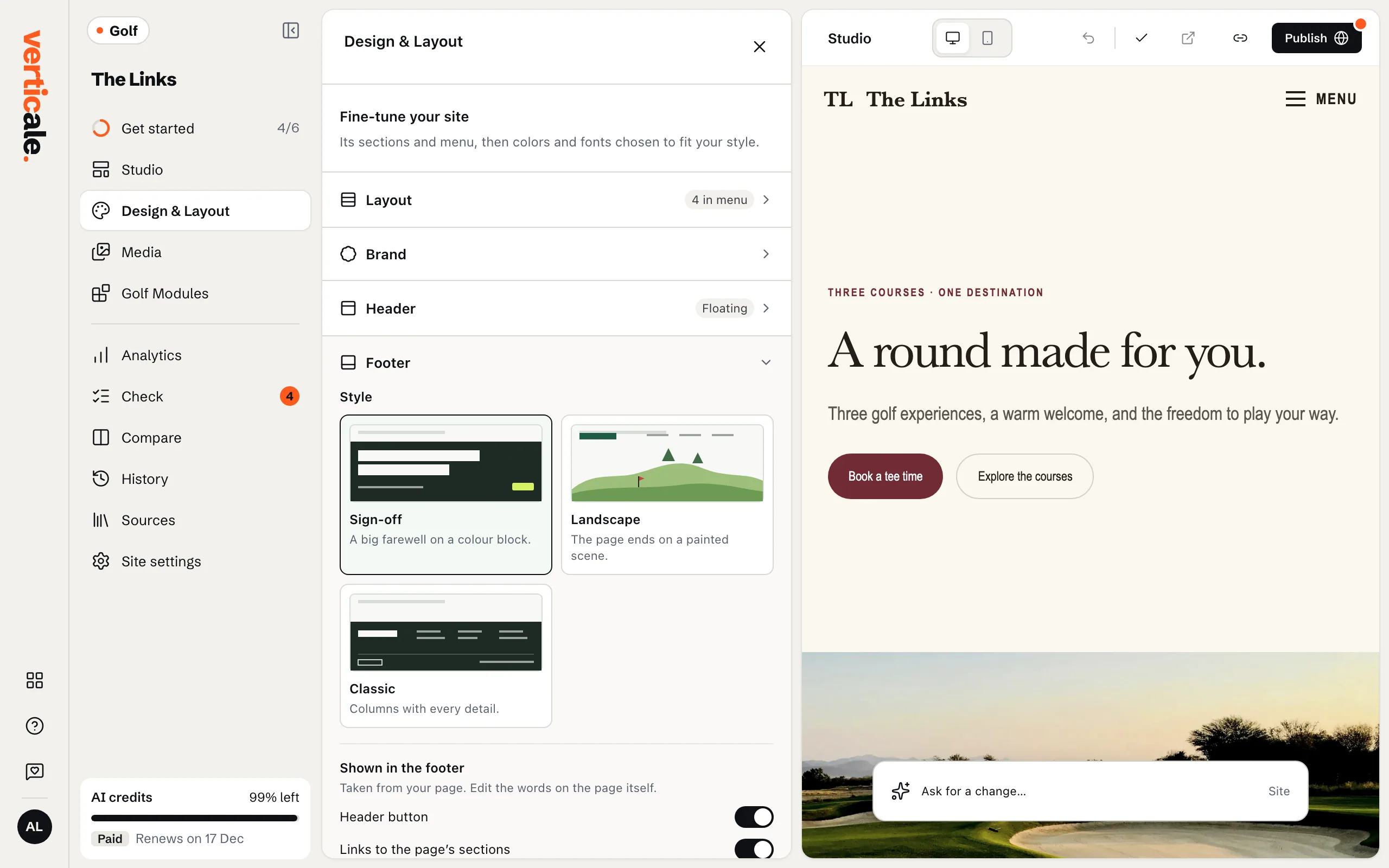
The Footer part also has Header button, to repeat your header’s button at the bottom, and Social links: Add a link, paste your profile’s address in Profile address, then Add.
Paint a footer from your photo
With Landscape, click Paint from a photo, upload a photo of your course, and confirm Paint this photo?: it shows about how many AI credits it uses. Your painting then appears as Your painting.