Change colours and fonts
Pick your website’s accent colour and font pair from a short list chosen to go with it.
1 min read · Every plan · Checked on 16 Nov 2026
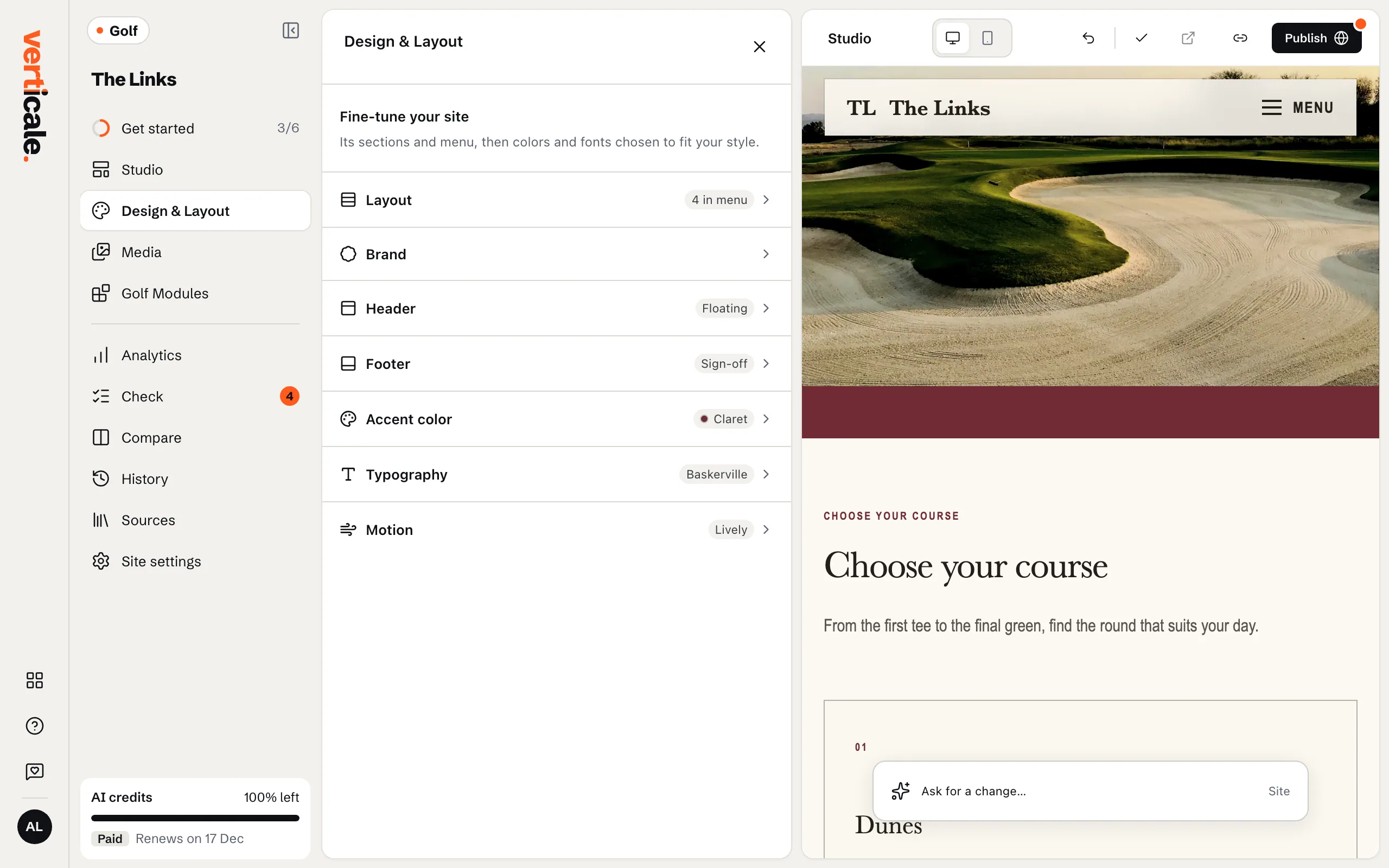
1. Open Design & Layout
Click Design & Layout in the Studio’s tools. Fine-tune your site lists its parts: Layout, Brand, Header, Footer, Accent color, Typography and Motion. Click one to open it.
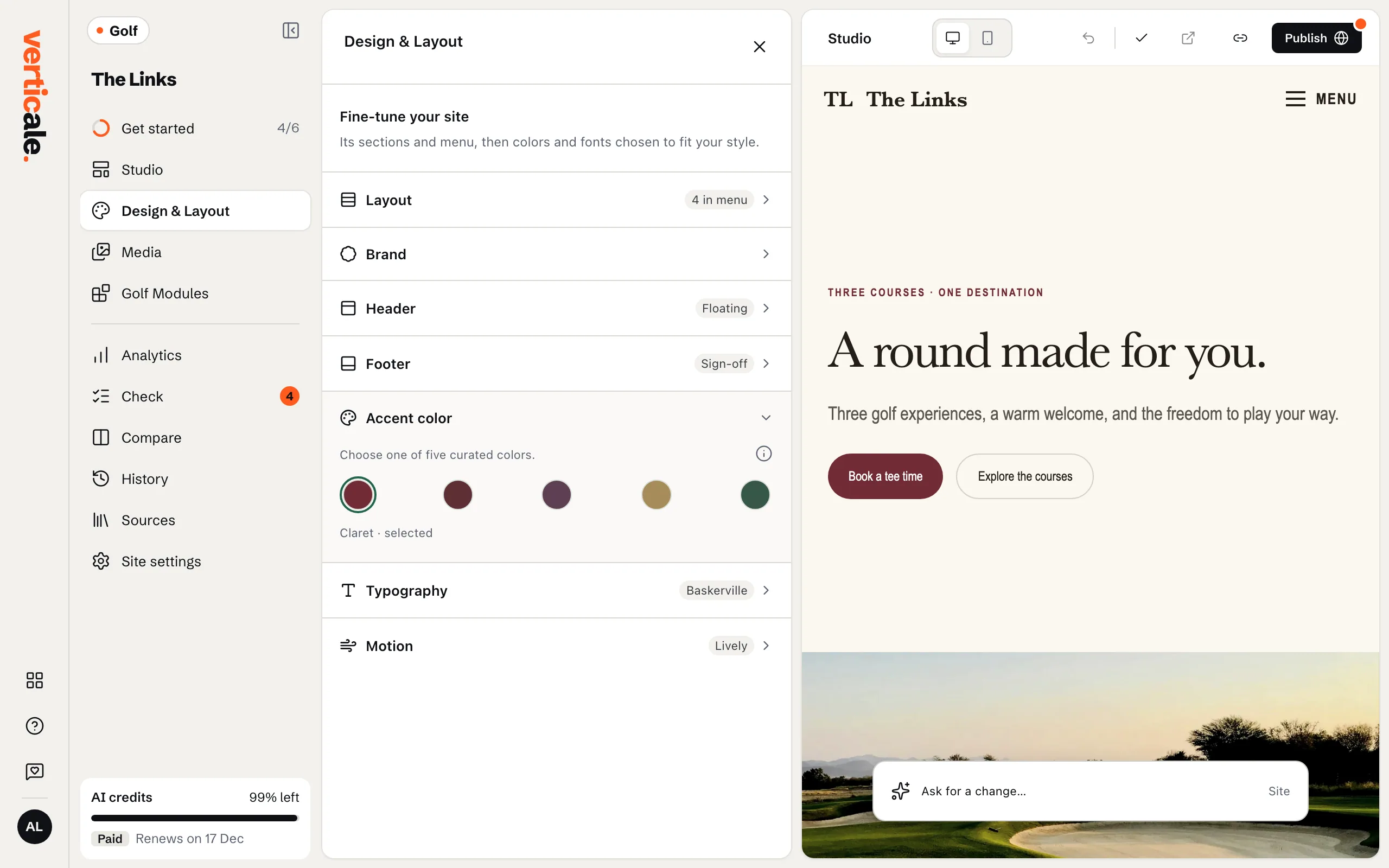
2. Choose an accent colour
Open Accent color and pick one of the five colours chosen to go with your website. Your page changes straight away: buttons, links and highlights take the new colour.
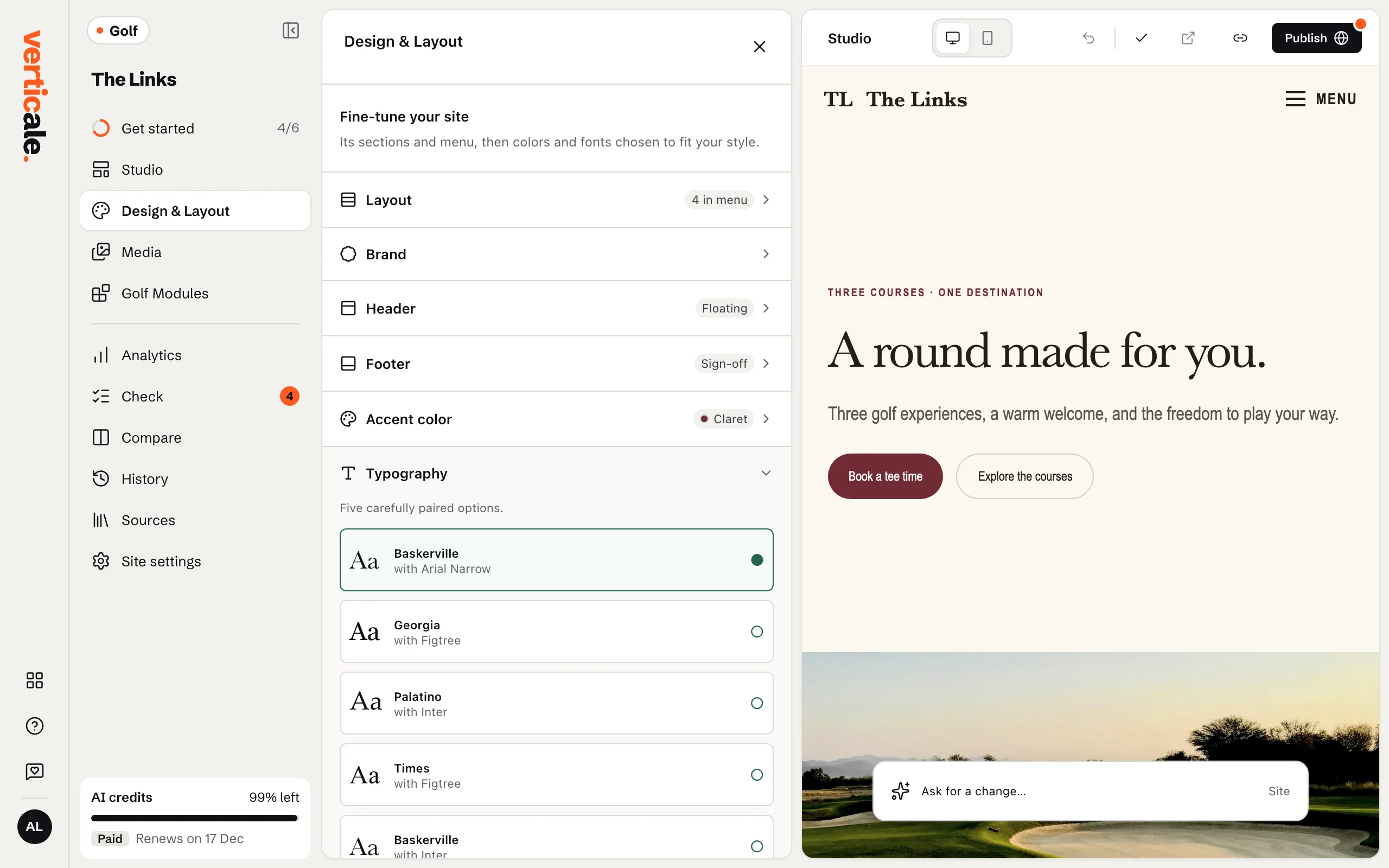
3. Choose a font pair
Open Typography and pick one of Five carefully paired options: one font for headings, one for text.