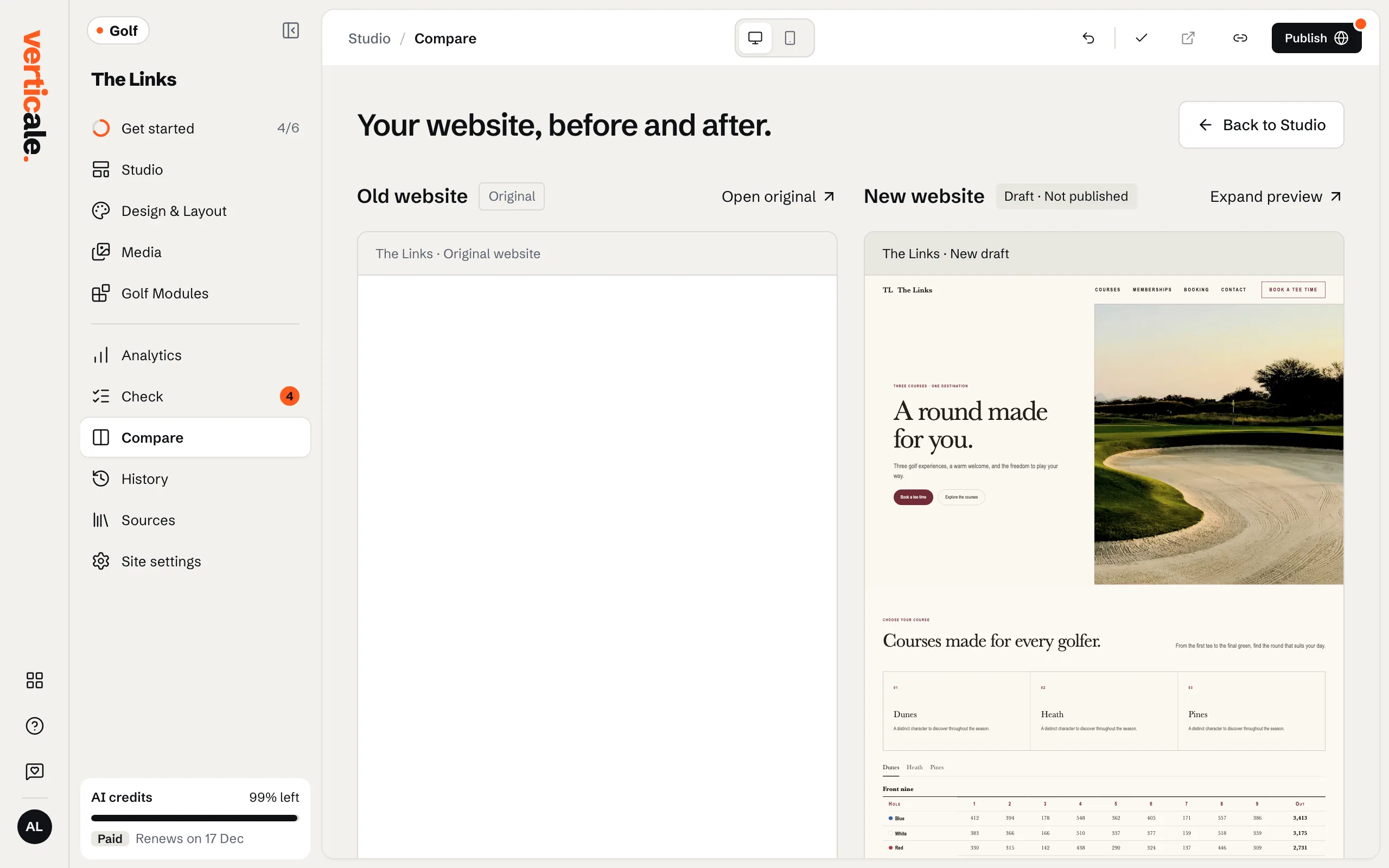
Check and compare before you publish
Until your first publish, Check scores your new website against your current one, and Compare shows them side by side.
1 min read · Every plan · Checked on 16 Nov 2026
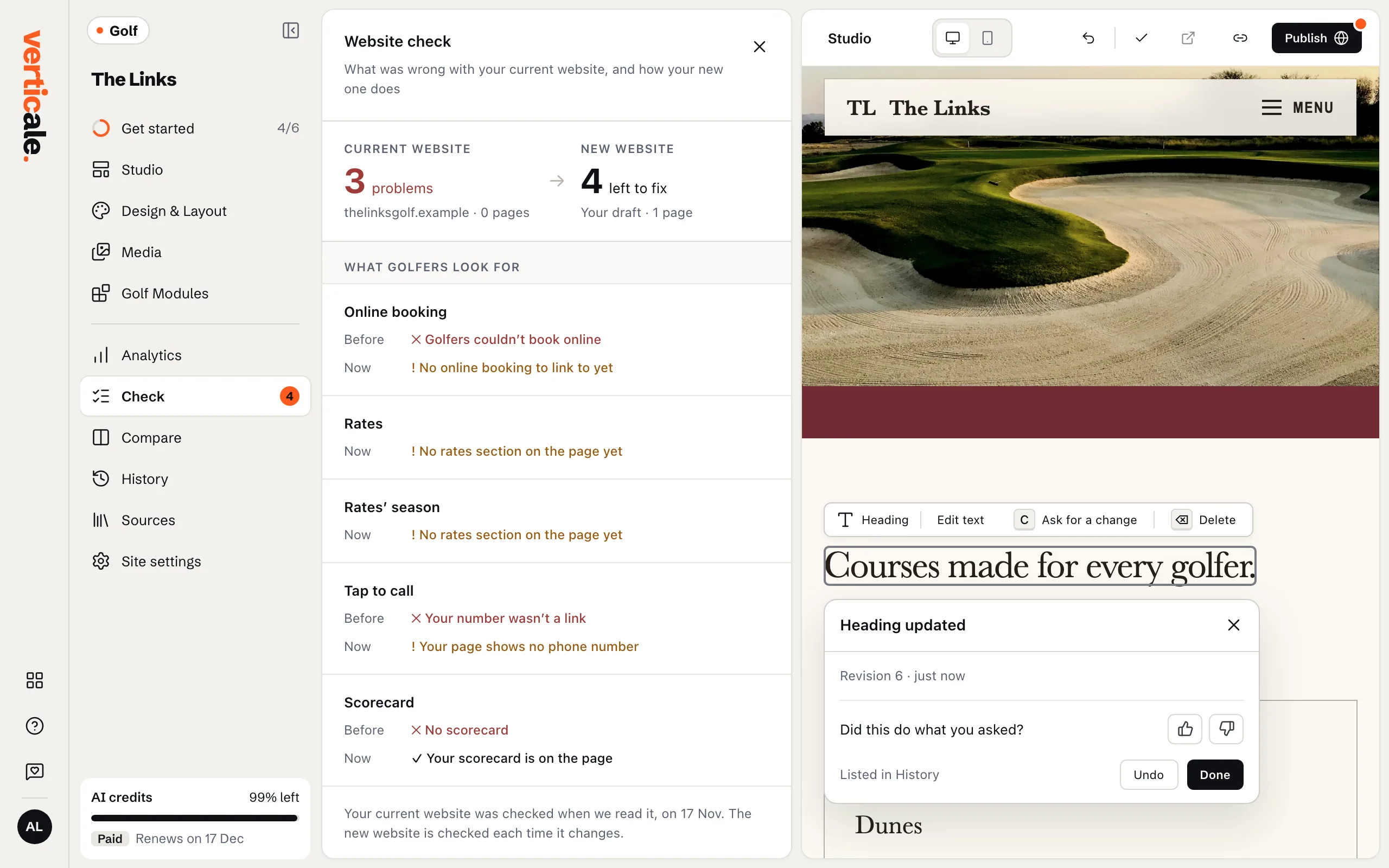
Check
Click Check in the Studio’s tools. Website check puts your Current website beside your New website, with what’s left to fix on each: speed, phones, search engines and more. Each row of Checks shows Before and Now.
Compare
Click Compare. Your website, before and after. shows both pages side by side, on Desktop or Mobile. Open original opens your current website; Expand preview shows one larger. Back to Studio returns to editing.