Share a preview
Send anyone a private link to your draft before you publish, on any plan. They don’t need an account.
1 min read · Every plan · Checked on 16 Nov 2026
1. Create the link
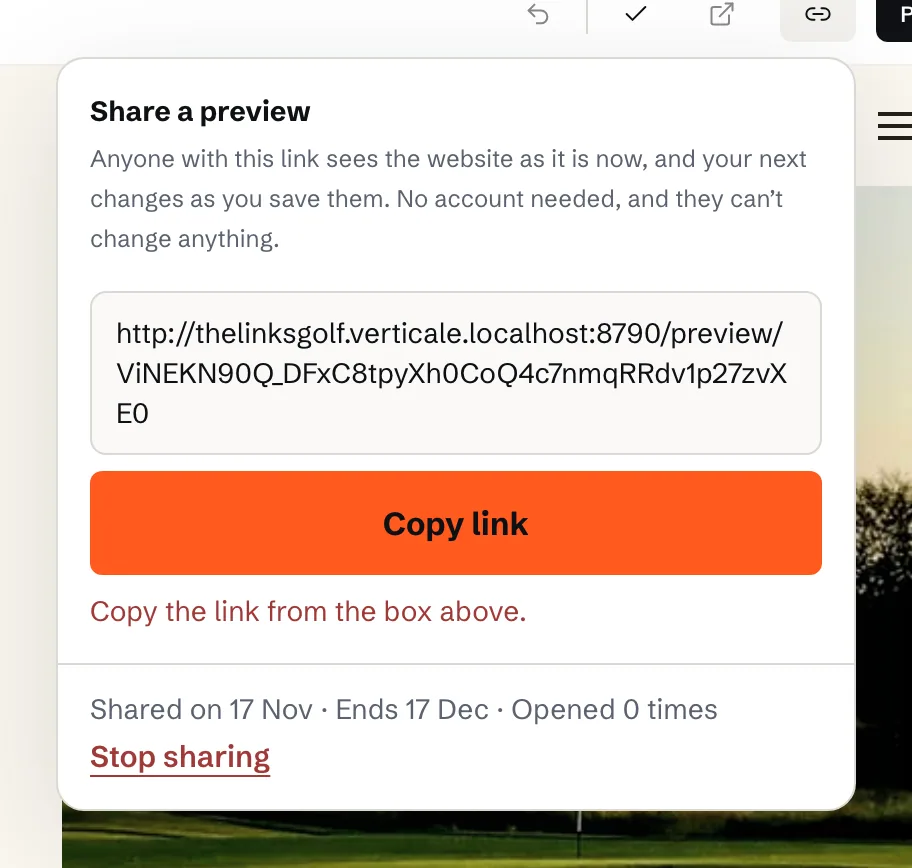
Click Share at the top of the Studio, then Create a preview link. Copy the Preview link and send it to whoever should look: your board or a client.
2. What they see
Your draft as it is now, on your website’s own address, with a PREVIEW bar saying it isn’t online yet. They need no account, and can’t change anything.