Add your restaurant and its menu
Your restaurant’s menus, prices and opening hours, typed in or read from a PDF menu.
1 min read · Paid plan · Checked on 16 Nov 2026
1. Open your restaurant
In Golf Modules, click Restaurant, then Manage restaurant.
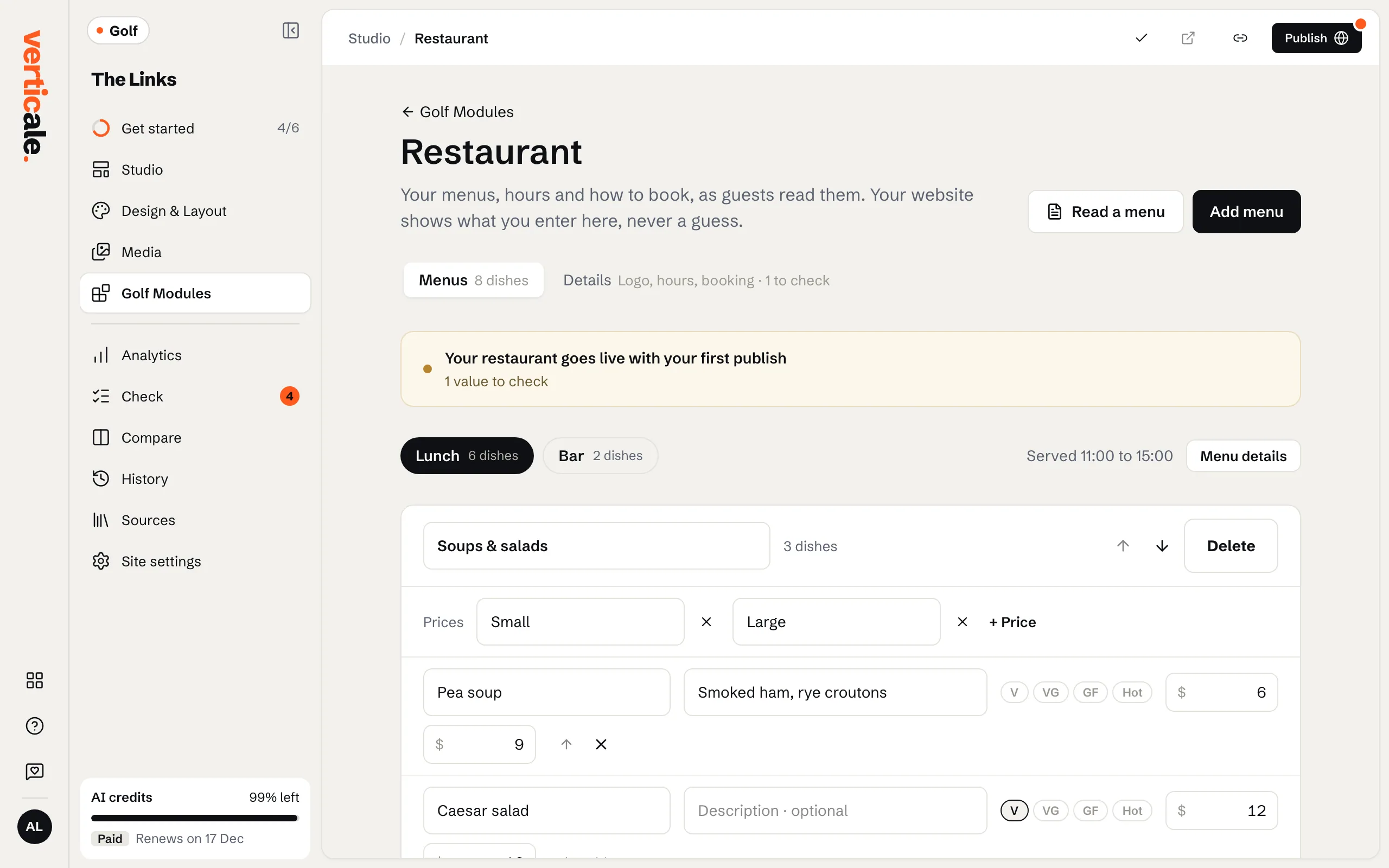
2. Your menus
On Menus, edit each dish’s name, description and price, and mark dishes, such as Spicy. Faster: Read a menu, Upload a menu as a PDF, and click Read the menu: its dishes arrive as new menus, with the PDF linked under them.
3. Hours and bookings
On Details, check your Opening hours (click It’s right when they are), and add a Booking link under How guests book. Menu details can hold a PDF of each menu.
4. Publish
Click Publish restaurant. If your page has no restaurant section yet, ask for one in Golf Modules › Restaurant, then publish the page with it.