Take tee times online
Tell us who handles your tee times while you build your website: Lightspeed / Chronogolf, another booking page, or phone bookings.
1 min read · Every plan · Checked on 16 Nov 2026
Your booking is set while you build your website, at the Tee times hole. We suggest the service your current website uses, and nothing is set until you say yes.
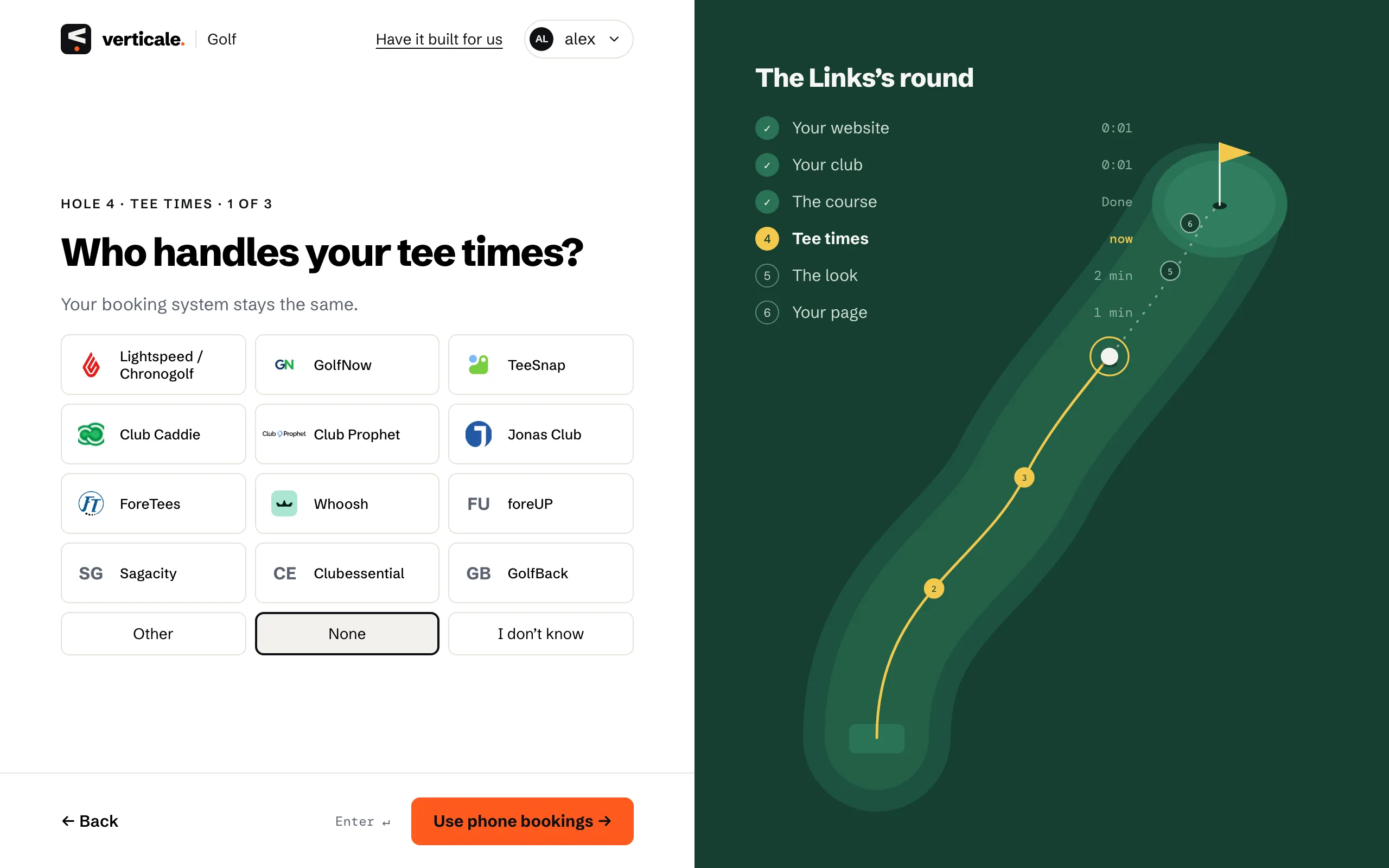
1. Who handles your tee times?
Choose your booking service. For another service, Use another service → and give your Public booking page, and your Member booking page if members book elsewhere. No online booking? Use phone bookings →.
2. Lightspeed / Chronogolf: your Club ID
Choose Lightspeed / Chronogolf, then Use Lightspeed / Chronogolf →. Under Is this how visitors book?, type your Chronogolf Club ID, numbers only, and click Yes, keep this booking →.
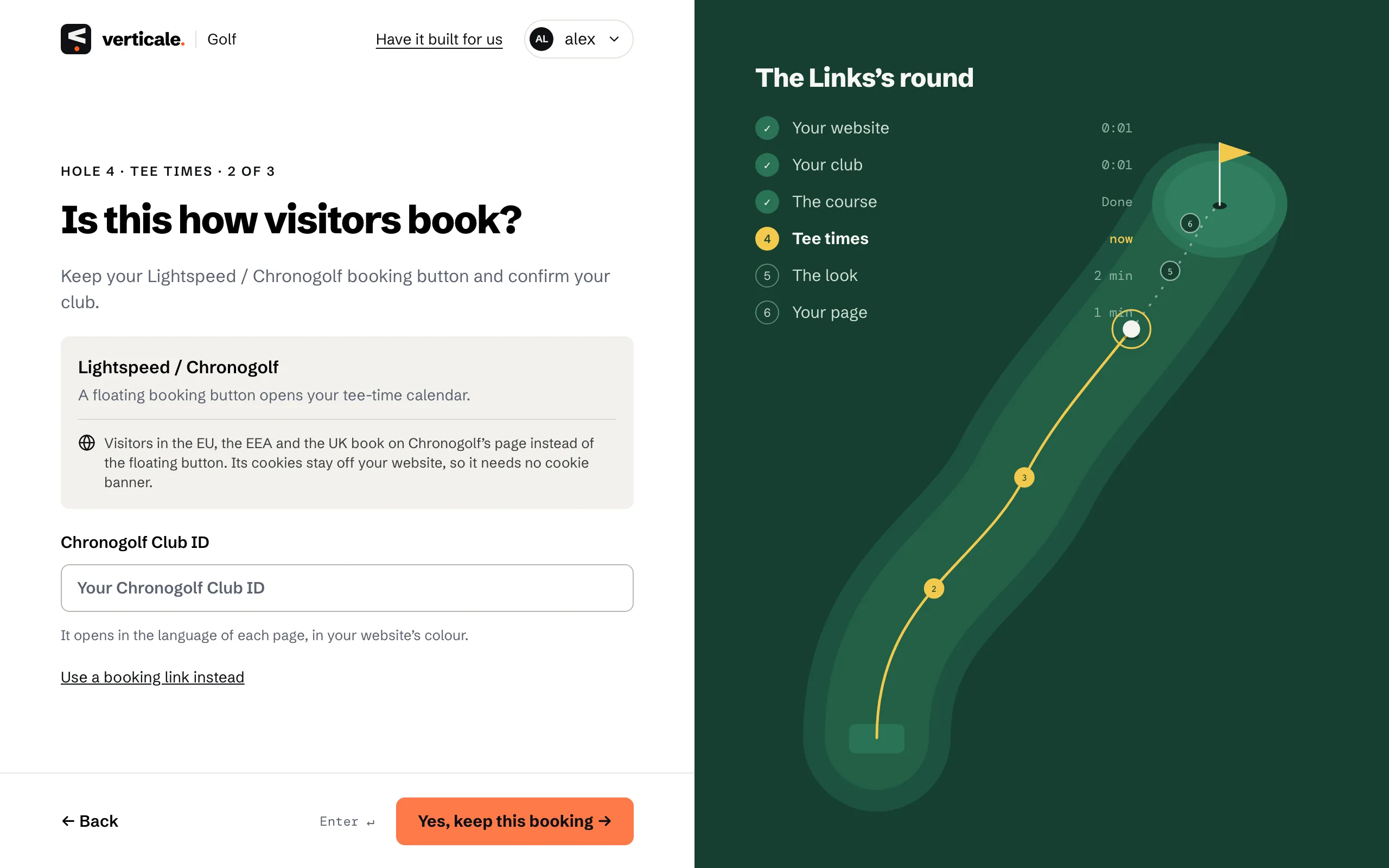
Your Club ID is the number of your club in your Lightspeed / Chronogolf account. If your current website already has the Chronogolf booking button, we read your Club ID from it.
What visitors get
A floating booking button opens your tee-time calendar, in the language of the page they’re on. Visitors in the EU, the EEA and the UK book on your Chronogolf page instead, so your website needs no cookie banner for it.
See it in the Studio
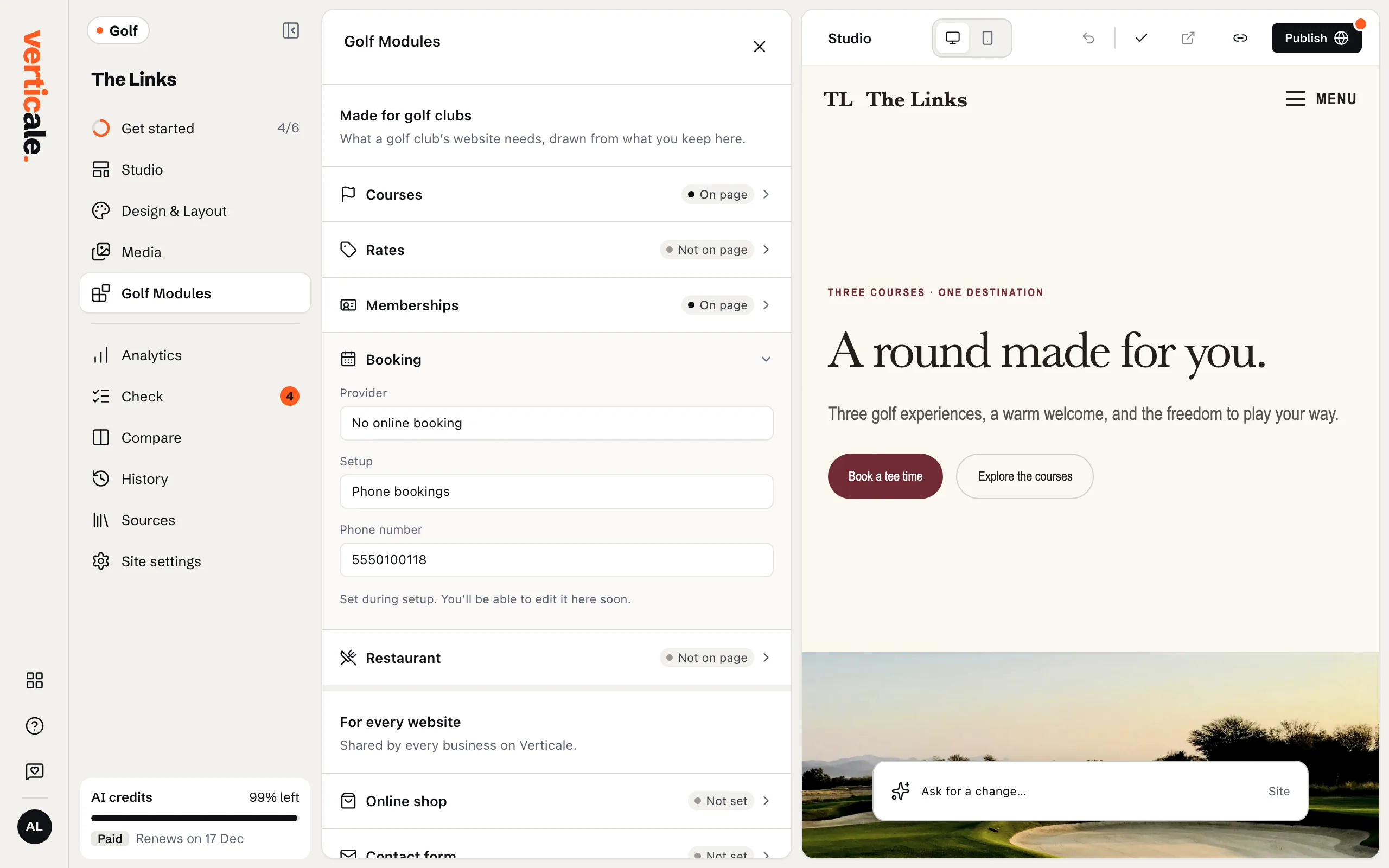
Golf Modules › Booking shows what was set: your service and your Club ID.