Privacy and legal pages
Your website comes with its own privacy and legal pages. Fill in your club’s details once and both update right away.
1 min read · Every plan · Checked on 16 Nov 2026
1. Fill in your details
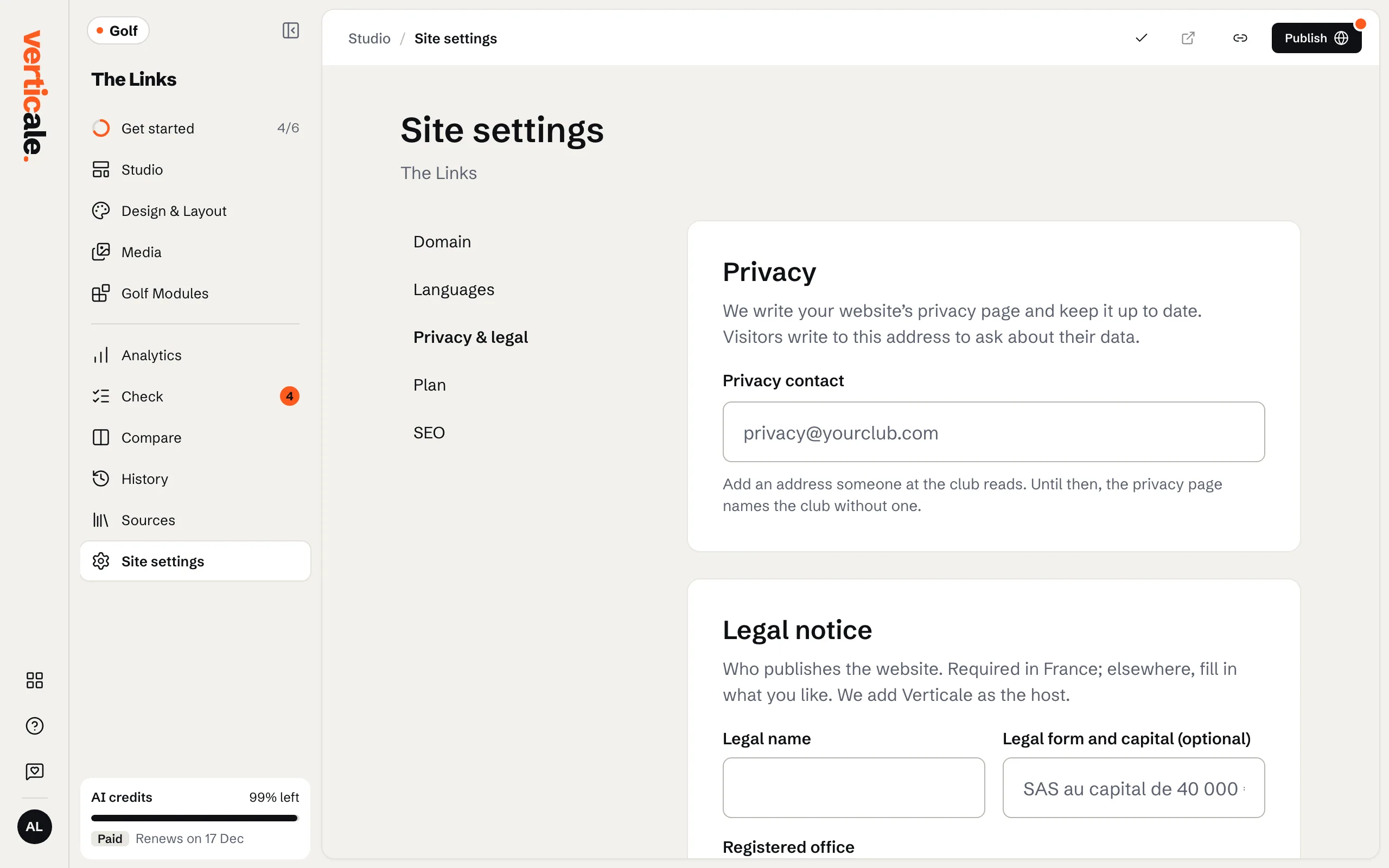
Click Site settings, then Privacy & legal. Fill in your Legal name and Privacy contact, and, where your country asks for them, your Registered office, Registration number and Publication director. Click Save.
2. Check the pages
View the privacy page ↗ and View the legal page ↗ open them. They’re linked from your website’s footer.