Search engines and sharing
Write the title and description Google shows for your website, and choose the picture shown when it’s shared.
1 min read · Every plan · Checked on 16 Nov 2026
1. Open SEO
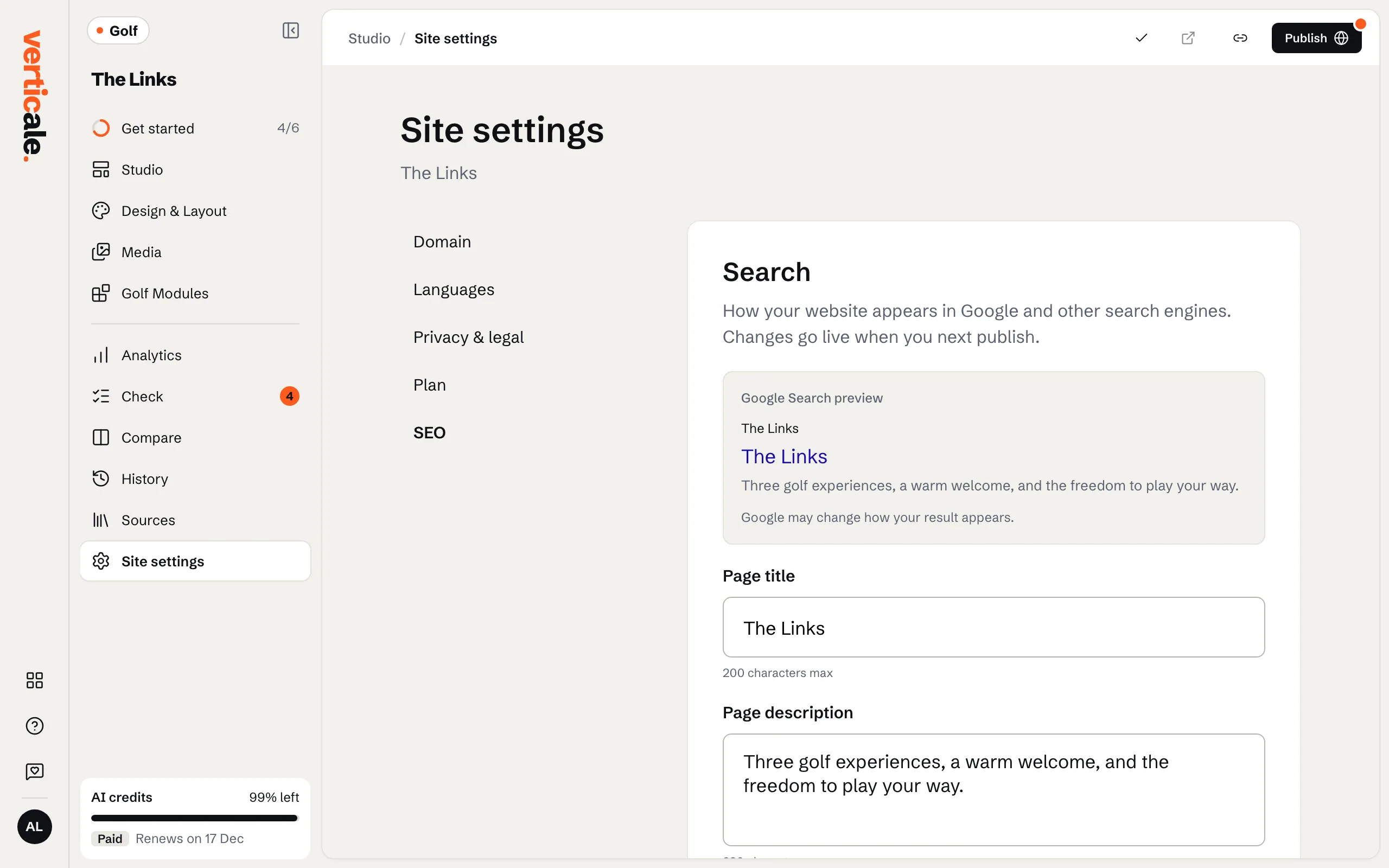
Click Site settings in the Studio’s tools, then SEO, short for search engine optimization: how your website shows up on Google.
2. Title and description
Write the Page title and Page description. The Google Search preview below shows how they’ll look in search results. Keep the title short, with your club’s name and town.
3. The sharing image
Under Social sharing, Add social sharing image: it’s shown when your website is shared in messages and on social media. Describe it in Image description.