Build your website
Give Verticale your club’s current website and answer a few questions. About ten minutes later you have a new draft.
2 min read · Free · Checked on 16 Nov 2026
You start from the website you already have: we read it and ask you only what we couldn’t find. Your current website stays as it is.
1. Give your current website
Open Verticale and type your club’s website address in Current website address, then click Find my club →.
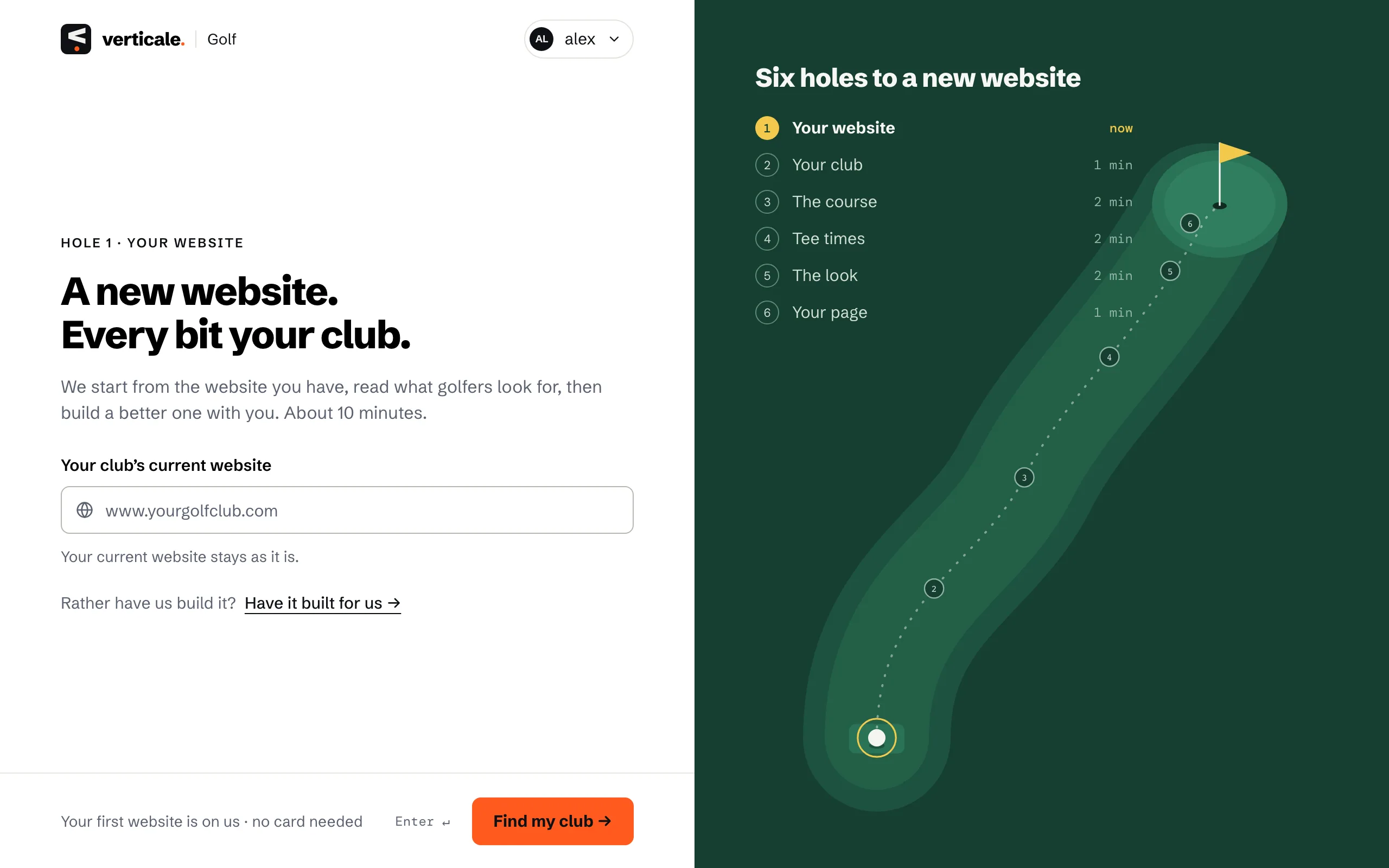
No website, or rather have us do it all? Click Have it built for us → instead: see Have it built for you.
2. Say who’s building it
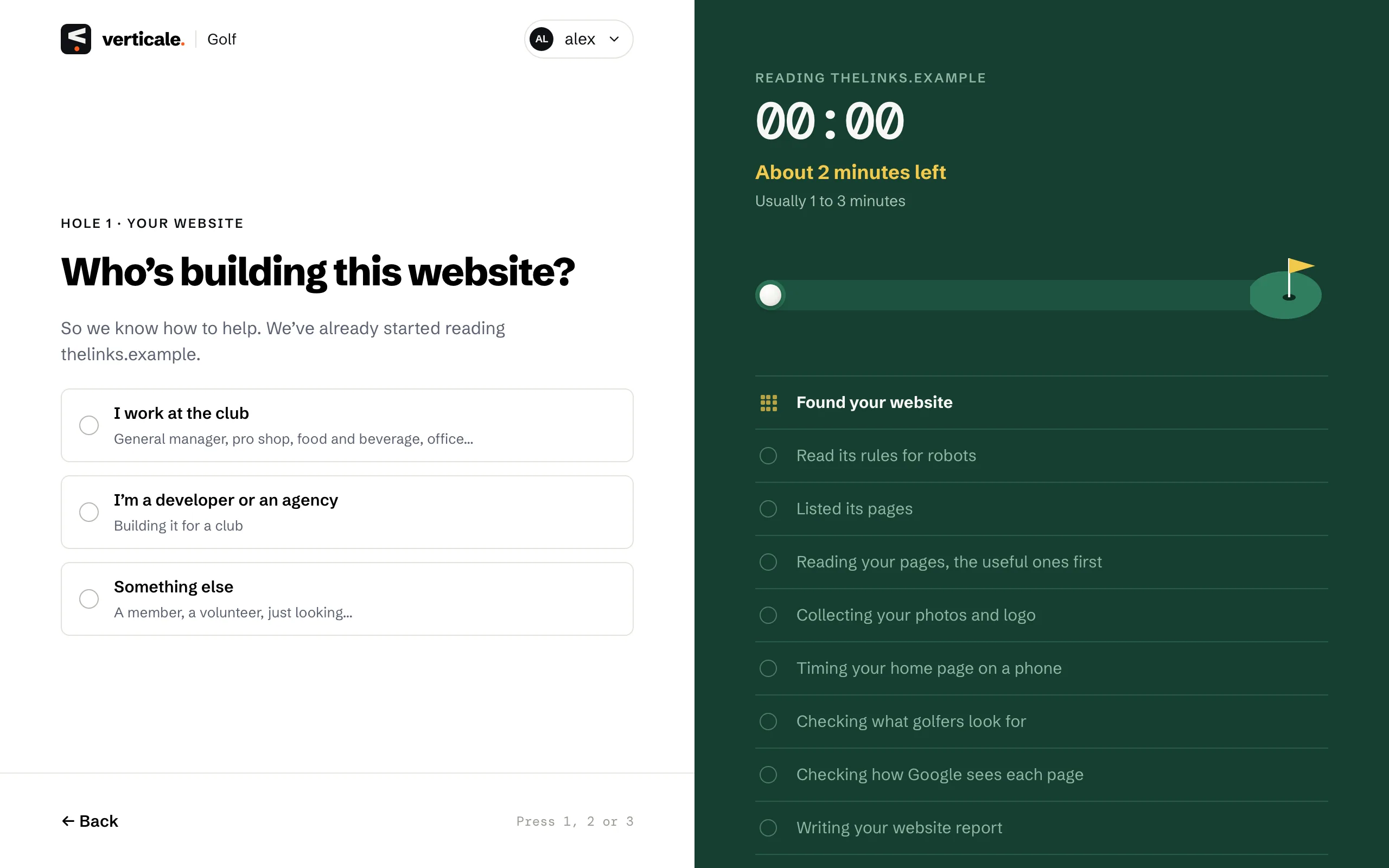
While we read your website, you’re asked Who’s building this website? Pick I work at the club, I’m a developer or an agency or Something else. One click moves on.
3. Check what was found
First you see What golfers notice on your current website. Then each question comes already filled in from what we read: your club’s name, languages, contact details, who can play, your courses. When an answer is right, click Looks right →; otherwise change it and click Continue →.
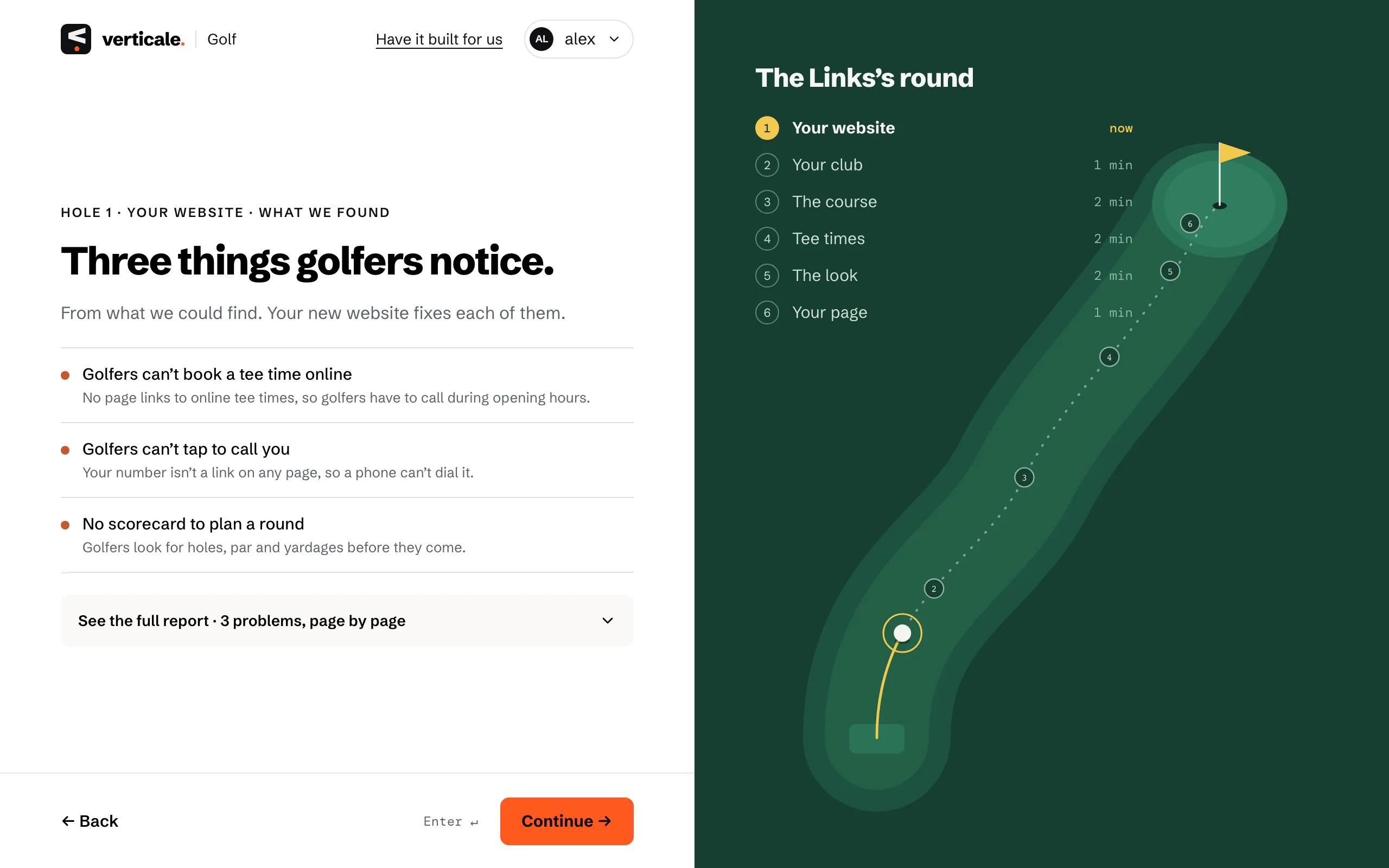
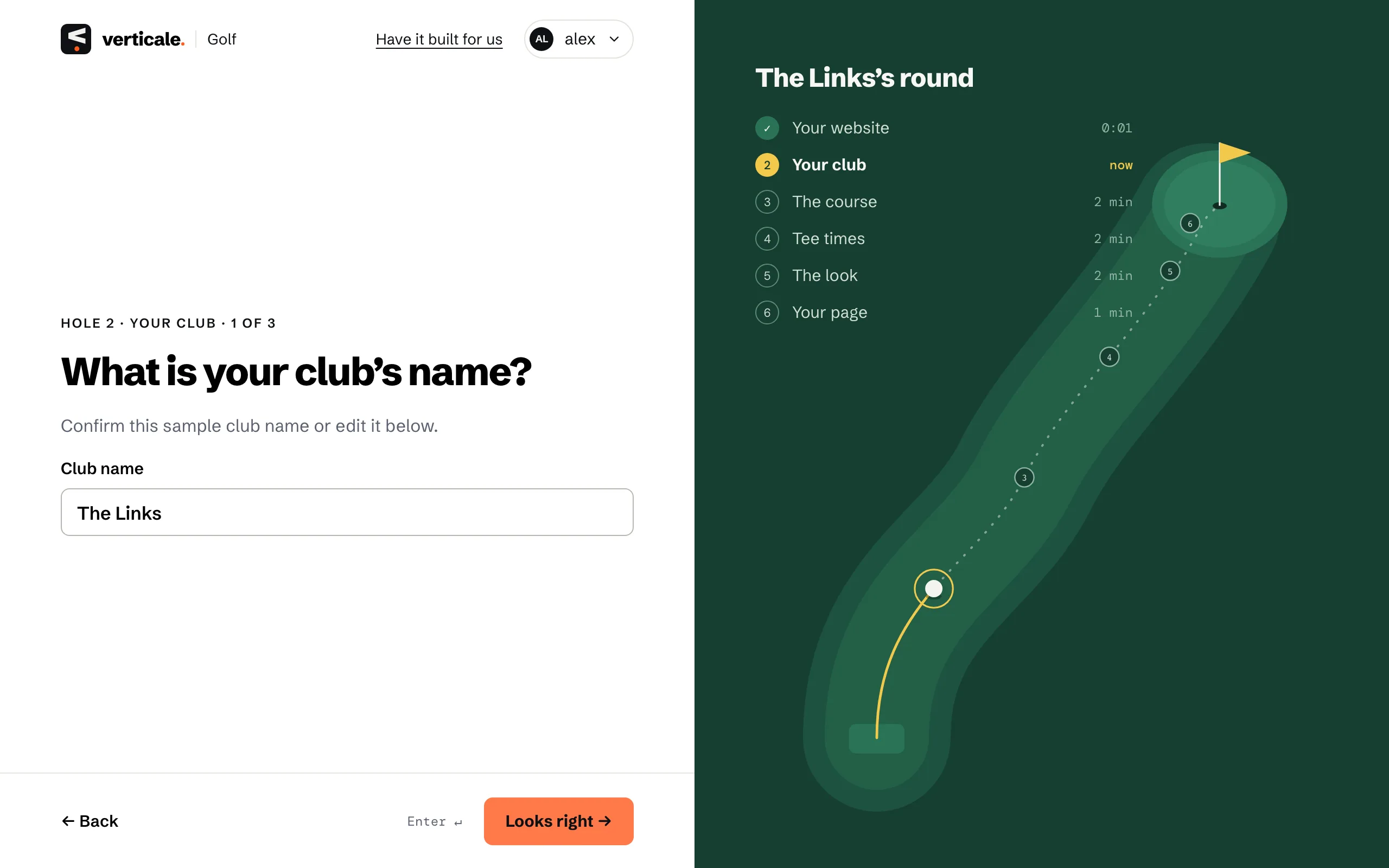
The six holes on the right show where you are: Your website, Your club, The course, Tee times, The look and Your page. Your answers are kept if you close the tab: open Verticale again and you’re back where you left off.
4. Review and build
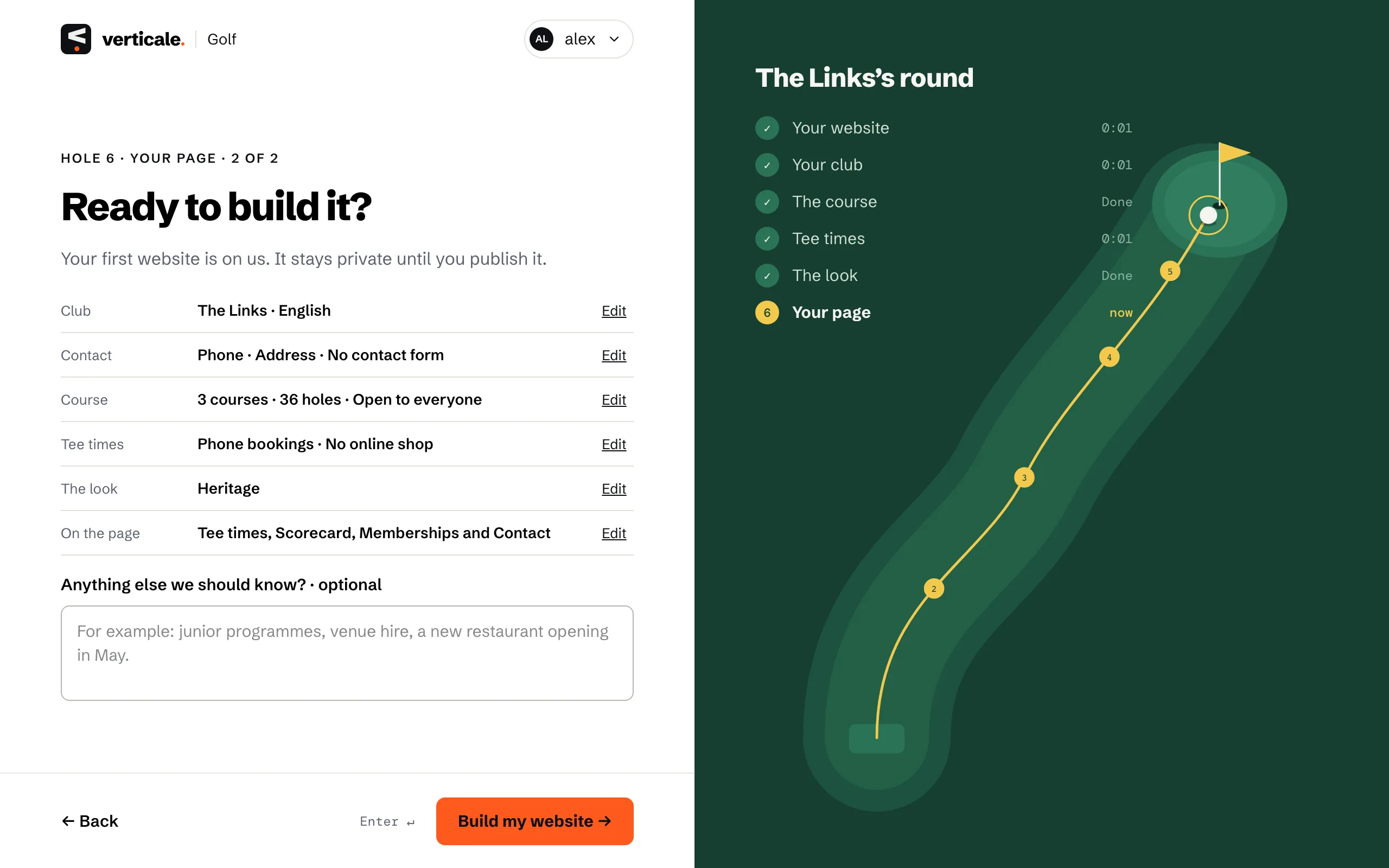
The last step, Ready to build it?, lists every answer. Click Edit beside one to change it, add anything else in Anything else we should know?, then click Build my website →.
5. Open your draft
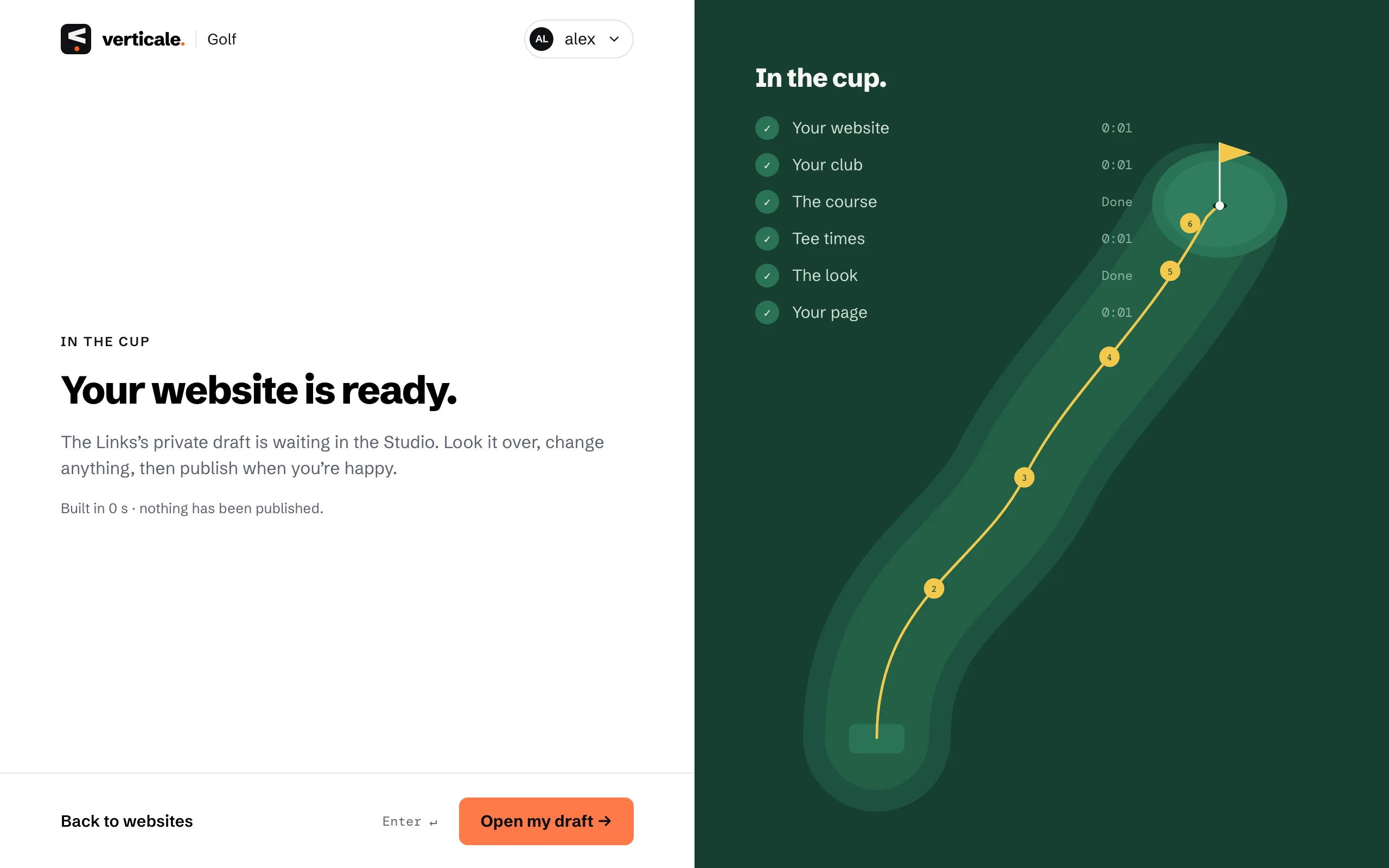
Building takes a minute or two. If you’re signed in you can leave the tab: we email you when it’s ready. Then click Open my draft →.