Keep your website with an account
You can build a draft without an account. Create one, free, to keep it, to ask the AI for changes and to publish.
1 min read · Free · Checked on 16 Nov 2026
Why an account
A draft built without an account lives in this browser only. A free account keeps it safe, lets you open it from any device, and is needed to ask the AI for changes and to publish.
1. Create your account
In the Studio, click Create account at the bottom of the tools. Type your Email and a Password, then click Create account →. Creating an account means you accept our terms of sale and privacy policy.
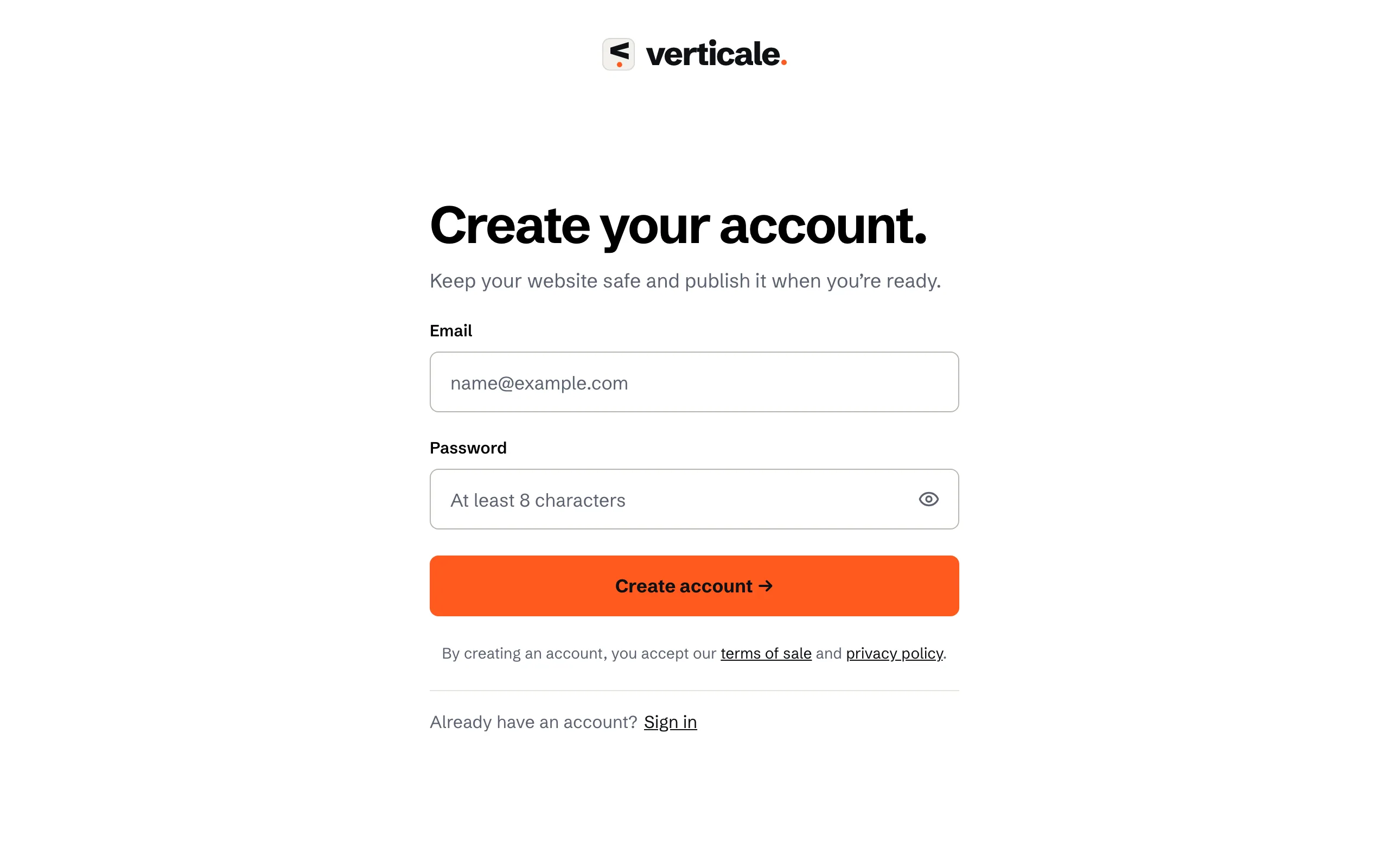
Your draft moves into your new account straight away.
2. Confirm your email
We send you an email. Click its link, then Confirm my email →: you’re back in the Studio. Publishing waits for this confirmation.
Asked when you publish
If you click Publish before you have an account, you first see Create your account to publish. The same happens with Ask for a change. Already have an account? Choose Sign in instead.