Show your apps
Link your club’s app, and partners’ apps, from the App Store or Google Play: in your footer and in a section of their own.
1 min read · Paid plan · Checked on 16 Nov 2026
1. Add an app
In Golf Modules, click Apps, then Manage apps. Paste its App Store or Google Play link in Add an app and click Add. Its name, maker and icon fill in on their own.
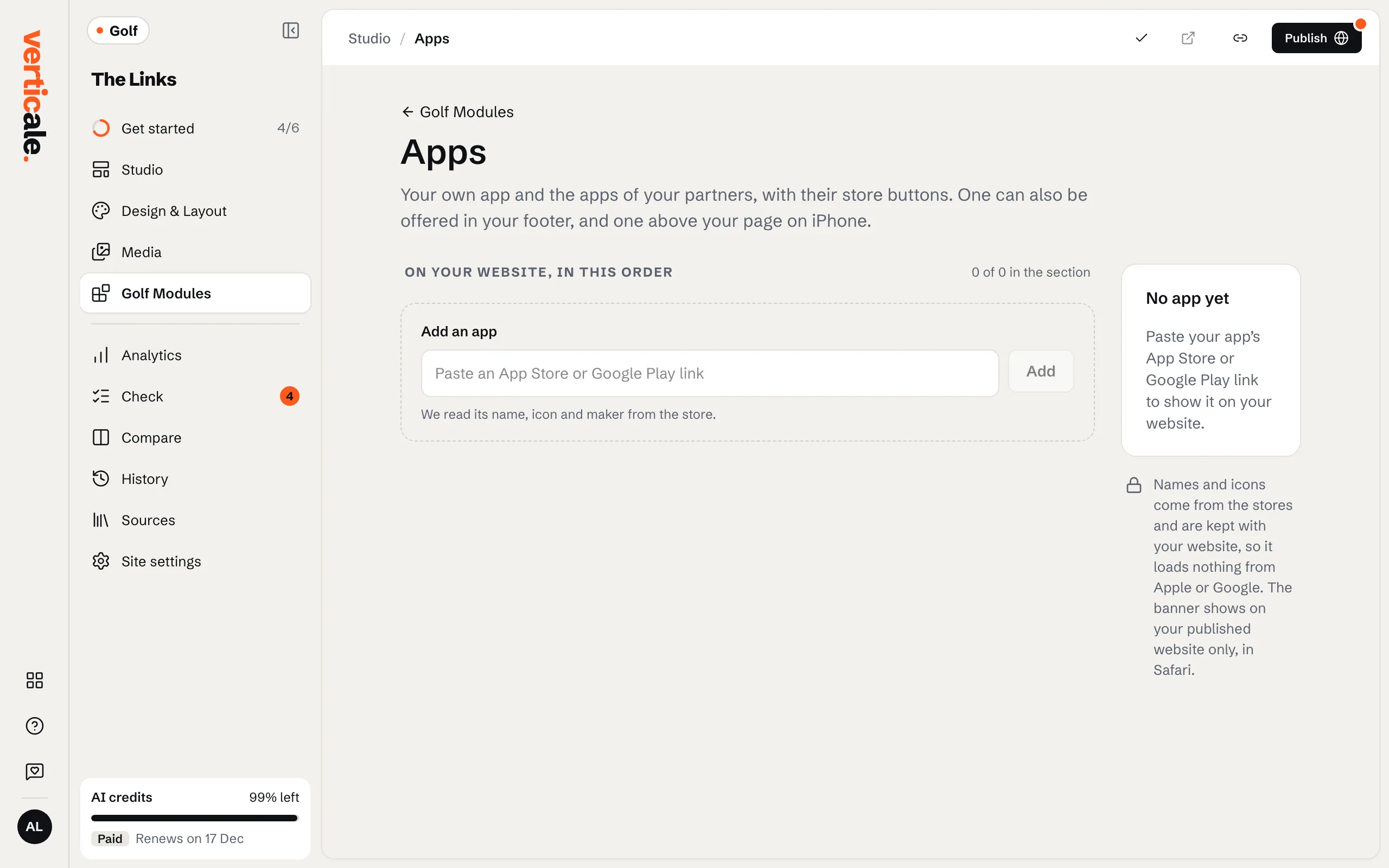
2. Say whose it is
Under Whose app, choose Your own or A partner’s. Your own app goes in your footer, with a banner on iPhones; a partner’s app shows only in your apps section.
3. Publish your apps
Click Publish apps. To add a section about them, choose A section about your apps in Golf Modules › Apps.