Place your map
A map of your club with directions, placed from your address. Move the pin, set the zoom and choose the directions apps.
1 min read · Paid plan · Checked on 16 Nov 2026
1. Open your map
In Golf Modules, click Map, then Manage map. The pin starts where your address is: Pin placed from your address.
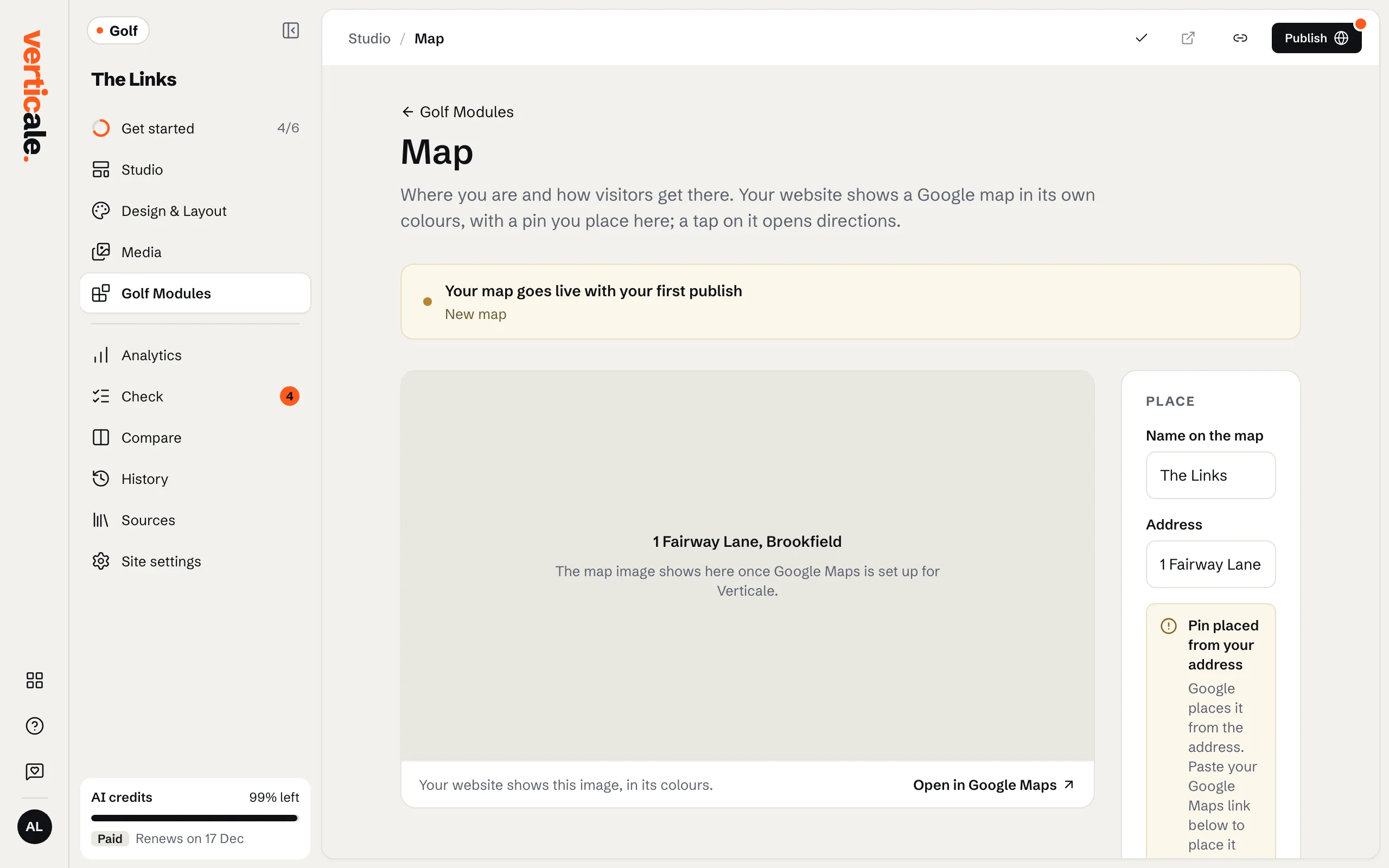
2. Put the pin exactly on your clubhouse
Find your club in Google Maps, copy its link, paste it in Your Google Maps link and click Place the pin. The page then says Pin placed by you.
3. Zoom and directions
Choose How close the map shows your club, and which apps visitors can use for directions: Google Maps, Apple Maps, Waze.
4. Publish your map
The page counts the changes to your map not on your website yet. Click Publish map: no need to publish the whole page.