Make a photo gallery
Choose photos from Media, put them in order, caption them and show them in a gallery that opens full screen.
1 min read · Paid plan · Checked on 16 Nov 2026
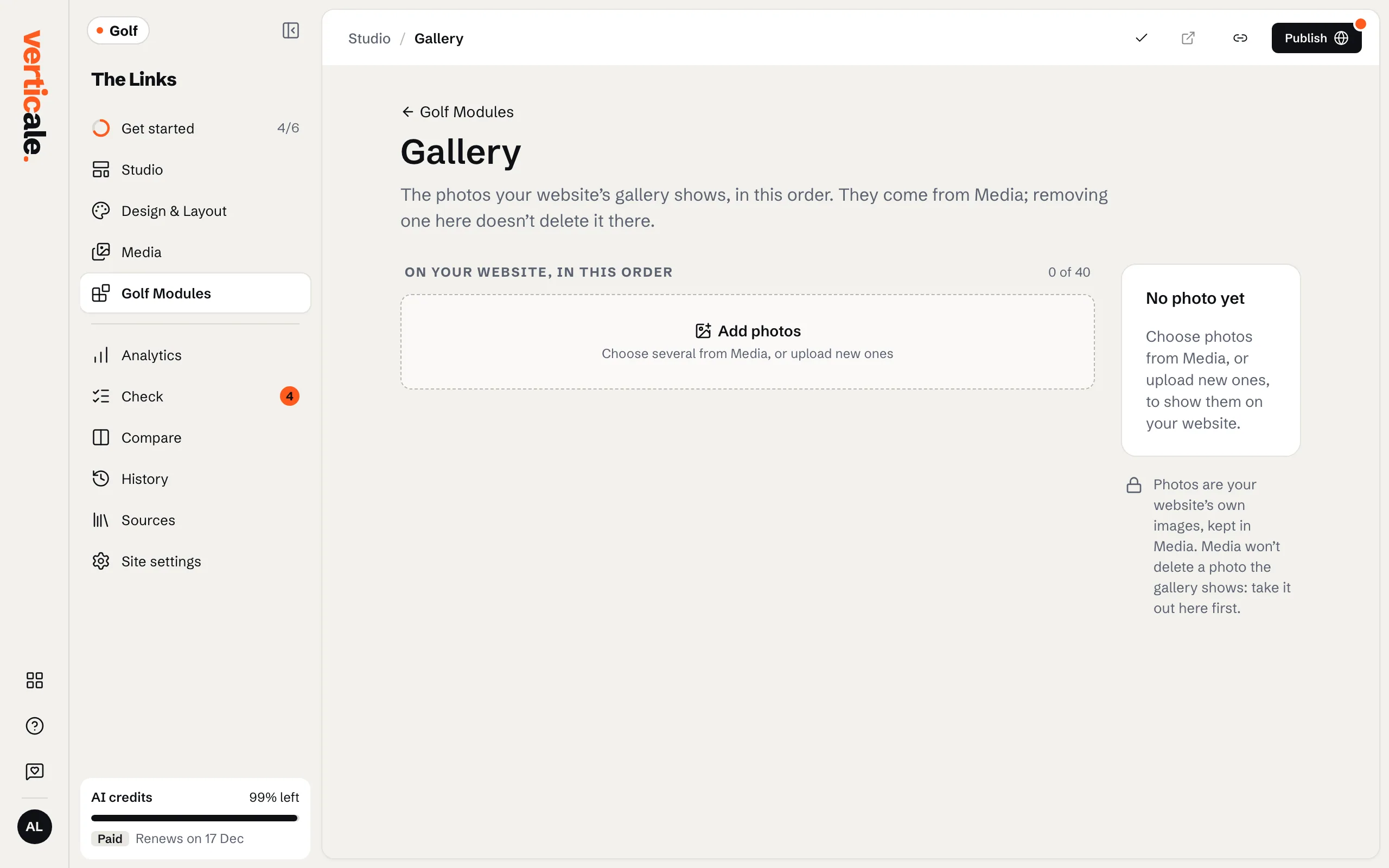
1. Add photos
In Golf Modules, click Gallery, then Manage gallery. Click Add photos, pick photos already in Media or Upload photos, then add them.
2. Order and caption them
Drag photos into order, or move them from the keyboard. Give each one a Description for visitors who can’t see it, and a Caption if you like.
3. Publish and show it
Click Publish gallery. If your page has no gallery section yet, add one with A gallery section in Golf Modules › Gallery. Set The gallery’s width, such as Full width; Open photos full screen is on by default.