Receive messages from your contact form
Your page’s contact form emails each message to you, once you’ve confirmed the address it sends to.
1 min read · Every plan · Checked on 16 Nov 2026
1. Choose where messages go
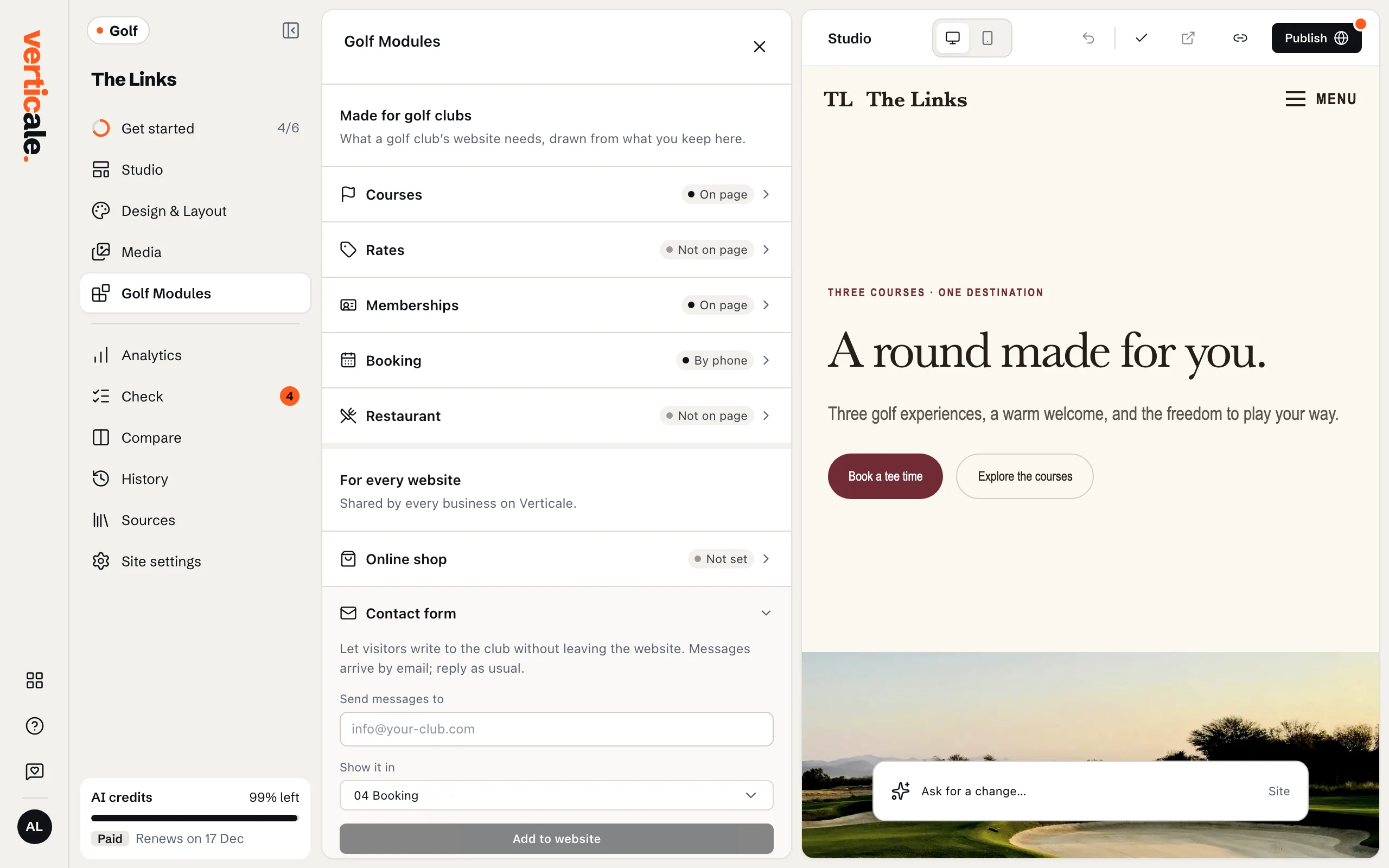
In Golf Modules, click Contact form. Send messages to holds the email that receives your messages, filled in with the one you gave while building your website; change it if you like.
No contact form on your page yet? Type the address, choose the section it goes in with Show it in, and click Add to website.
2. Confirm the address
Click Send link. We email that address a link: click it, then Confirm this address →. Until then the form shows Pending and takes no messages.
3. Receive messages
Each message a visitor sends is emailed to you. Reply to it and your answer goes straight to them.