Edit a text in place
Click any heading or paragraph on your page and type. It’s free, and it saves as you go.
1 min read · Every plan · Checked on 18 Nov 2026
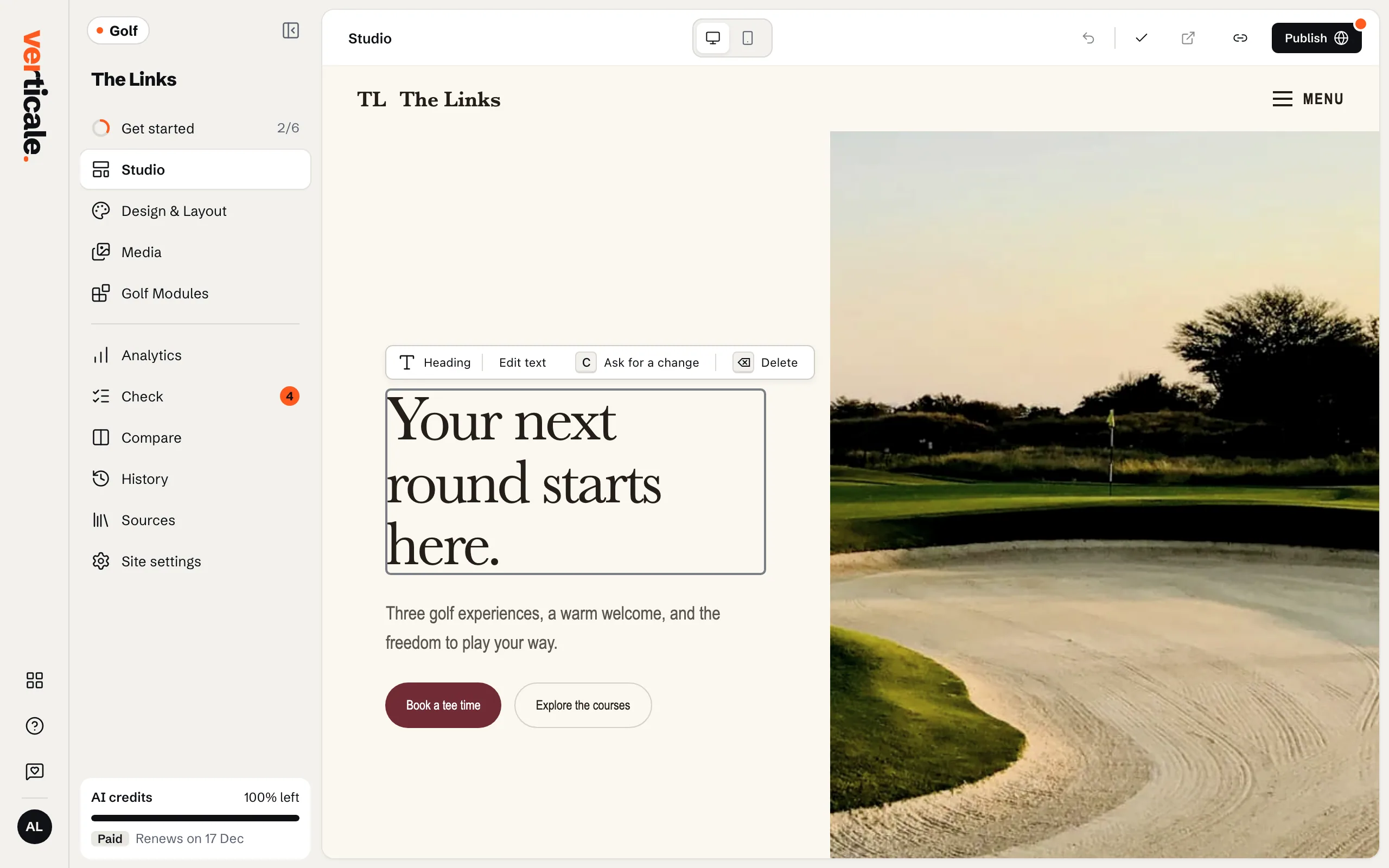
1. Select the text
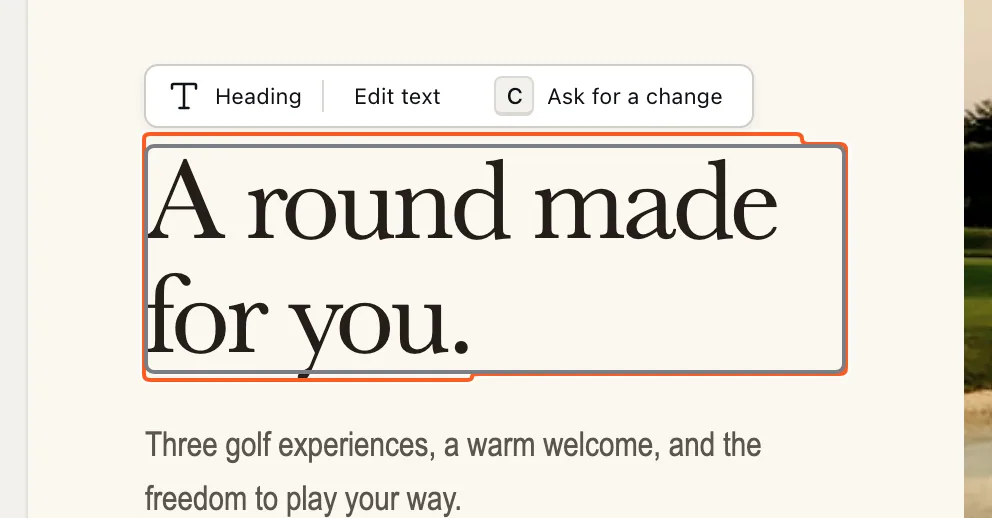
In the Studio, click the heading or paragraph you want to change. A green frame shows what’s selected, with a bar above it: Edit text, Ask for a change and Delete.
2. Type the new words
Click Edit text, or press Enter, and type. When you’re done, click anywhere outside the text: the change is saved, and the top bar says Saved. Press Esc instead to leave without changing anything.
3. Undo a change
Changed your mind? Undo last change, at the top of the Studio, steps back one change at a time.